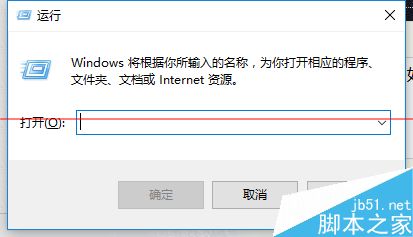
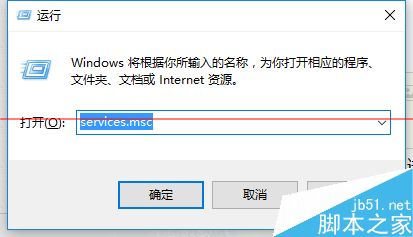
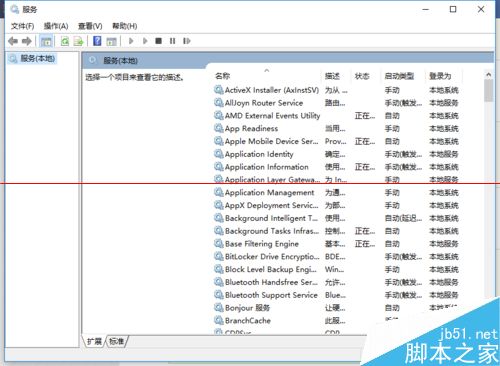
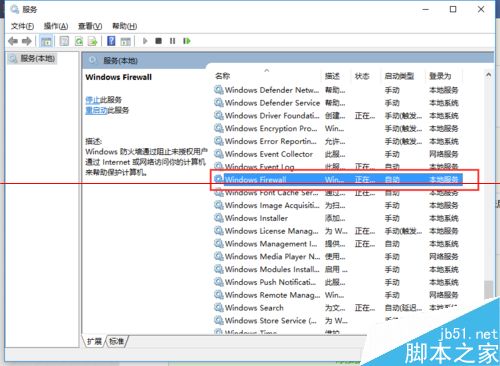
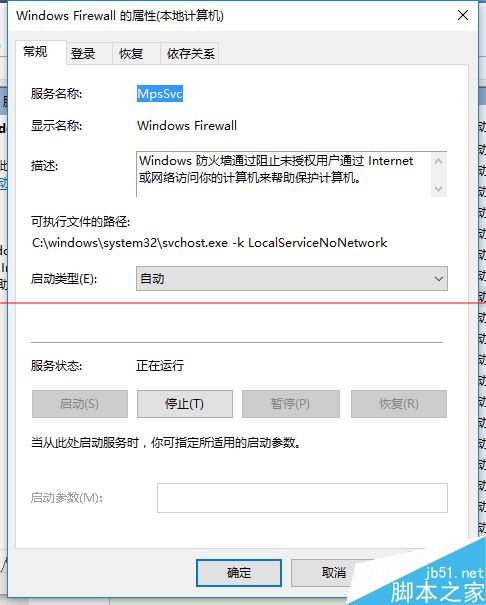
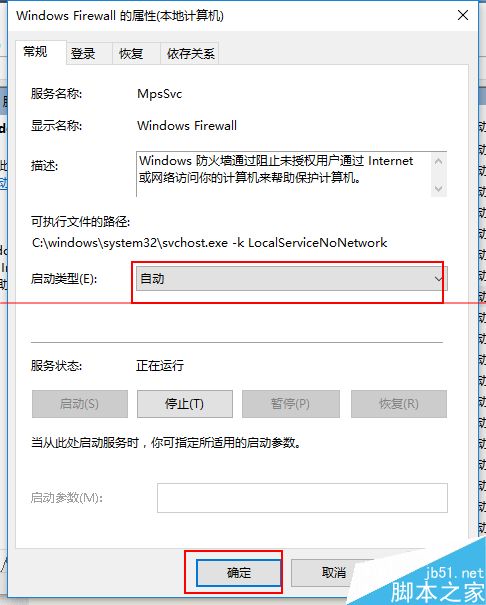
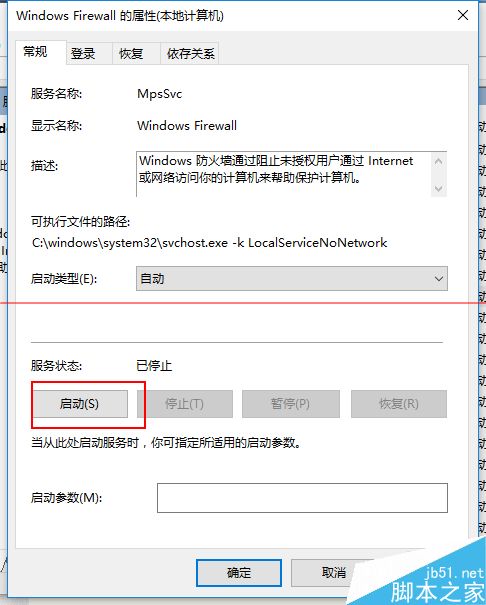
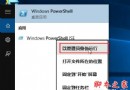
Win10 安裝字體失敗、防火牆無法開啟,這兩個問題竟由同一服務導致 —— Windows Firewall。以下教您啟用該服務:
services.msc
完成後檢查防火牆與字體安裝,應已恢復正常。
Win10 7 月底完成正式版,你的顯卡支援 DX12 嗎?完整支援等級對照表
Win7 開啟群組原則出現「解析時發生錯誤,找不到資源」兩大解決方案
Windows 7 忘記開機密碼?兩大破解法:安全模式命令列 / USB 開機重設
Win8.1 磁碟分區教學:三步驟壓縮現有分區建立新分區
Web 應用程式打包發布至 Win10 應用程式商店完整教學
Windows 7 語言列消失三大解決方案
Win10 Mobile 正式版官方更新日誌曝光:Windows Hello、開始畫面自訂、Continuum、Edge、Cortana、鍵盤手寫、商店、動作中心完整圖文+影片
Win7 開啟 Telnet 用戶端服務圖文教學:控制台開啟 Windows 功能勾選安裝