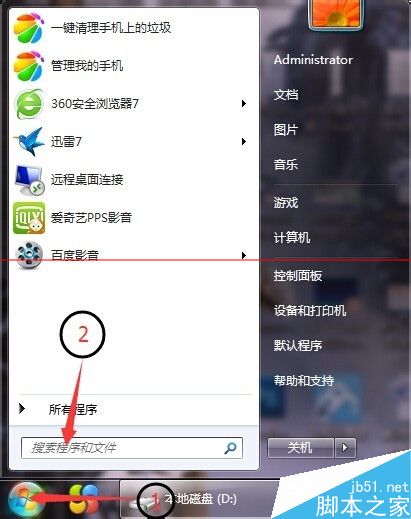
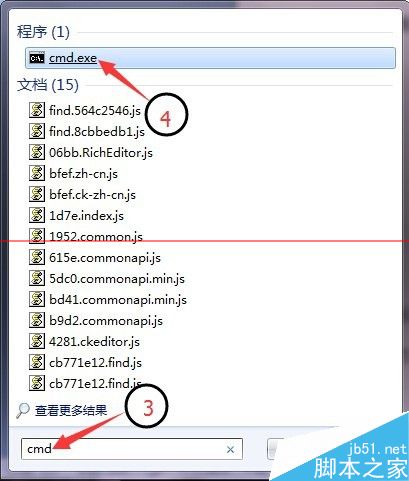
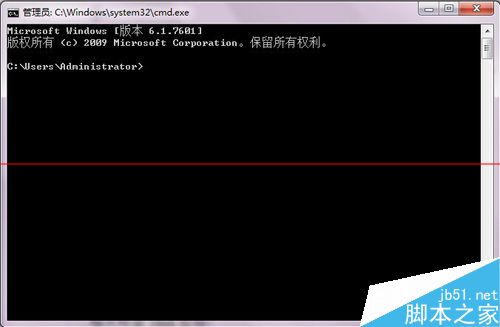
開始 → 搜尋 cmd → cmd.exe。
| 用途 | 指令 | 說明 |
|---|---|---|
| 刪除單一指定檔案 | del E:\A\1\abc.txt | 刪除 E:\A\1\abc.txt |
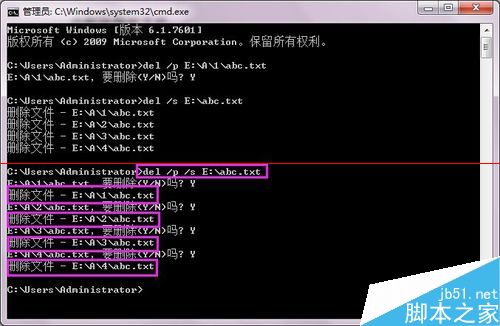
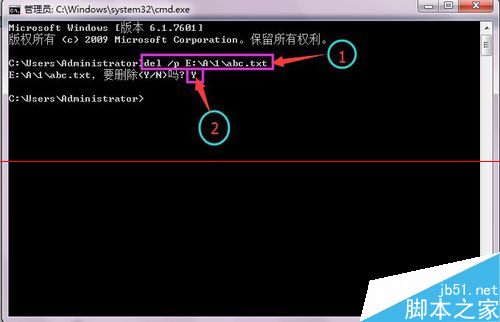
| 刪除單一檔案並確認提示 | del /p E:\A\1\abc.txt | 顯示「要刪除嗎?(Y/N)」,輸入 Y 確認 |
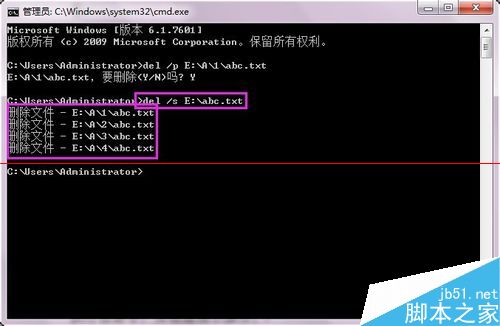
| 刪除所有子目錄下同名檔案 | del /s E:\abc.txt | 遞迴刪除 E: 下所有 abc.txt |
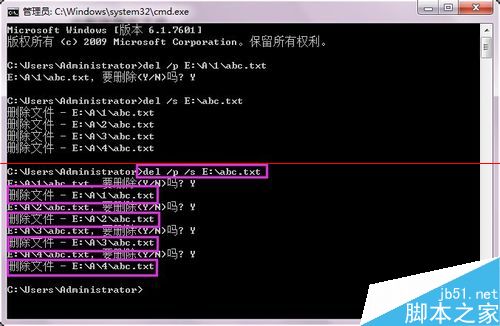
| 遞迴刪除並確認提示 | del /p /s E:\abc.txt | 結合 /p 與 /s 參數 |
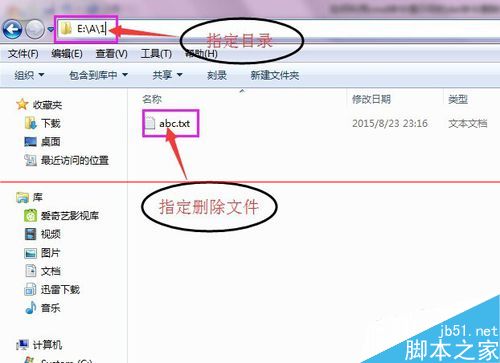
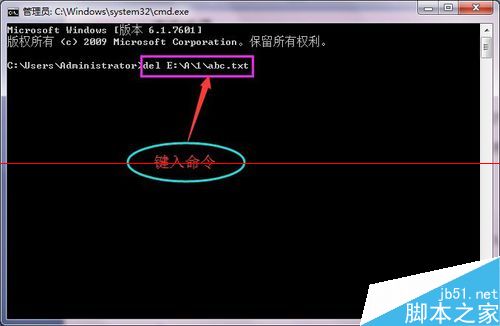
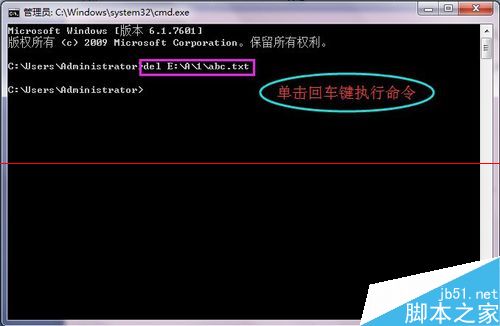
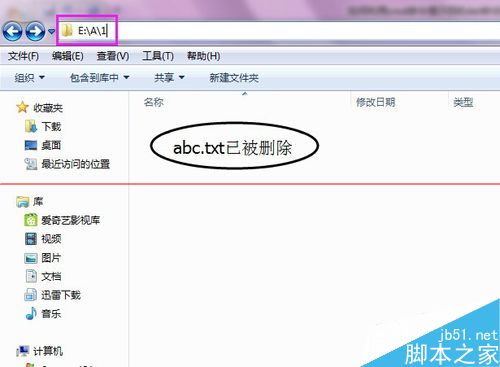
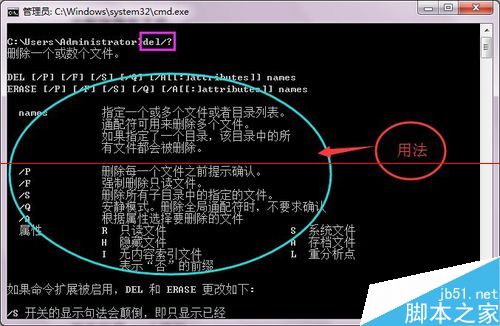
指令後加 /? (如 del /?) 顯示完整參數說明。