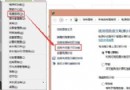
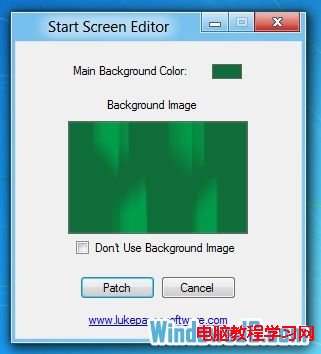
Windows 8 開發者預覽版雖不支援直接更換 Metro 開始畫面背景,但第三方工具 Windows 8 Start Screen Editor 可輕鬆自訂背景圖片 (需 PNG 格式) 與背景顏色,打造專屬風格。本文介紹工具基本操作。
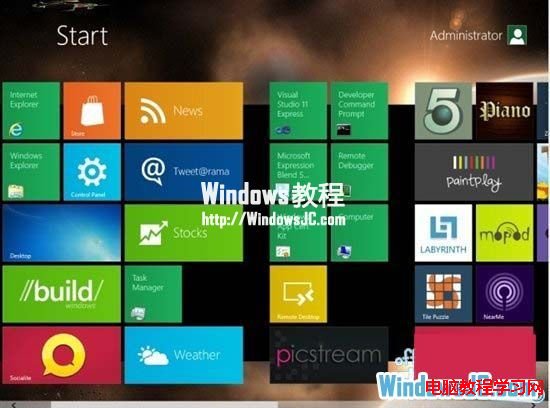
套用後重新登入或重啟 explorer.exe 即可看到效果。此工具適合喜歡個人化系統介面的進階使用者。
WP8.1/Win10/PC 三平台密碼管理器 Enpass 限時免費:軍規加密、離線儲存、雲端同步、瀏覽器自動填表
urlproc.exe 進程解析:360 安全瀏覽器「安全紅綠燈」核心組件
Win10 開機顯示「client mac addr...」網卡開機提示?BIOS 關閉網路開機並調整硬碟優先序
Windows 10 升級後字體模糊怎麼辦?調整自訂縮放等級至 125% 並登出,或使用 DPI 修復工具
Win10 10586.456 更新內容彙總:修復待機黑屏、本地帳號鎖定、影片播放卡頓等
Windows 與 Linux 磁碟管理對比實戰:從基礎分區到進階存儲空間/LVM 彈性管理