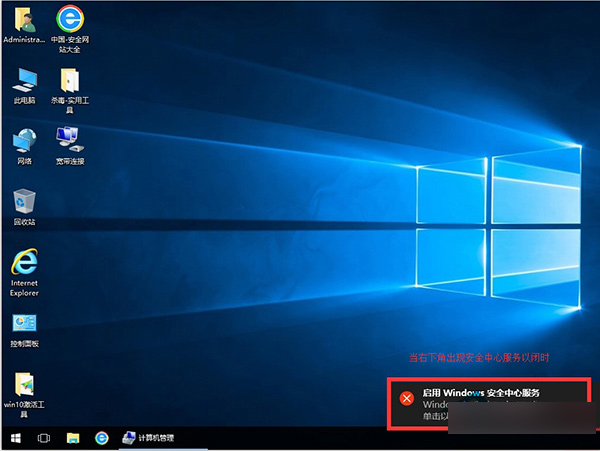
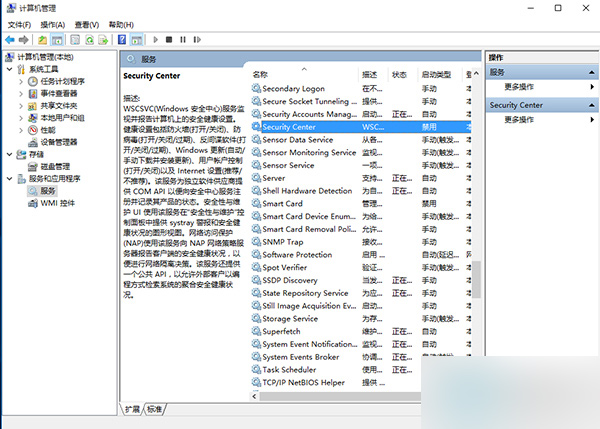
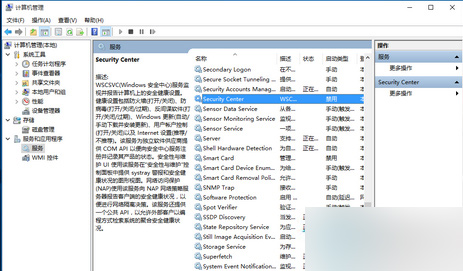
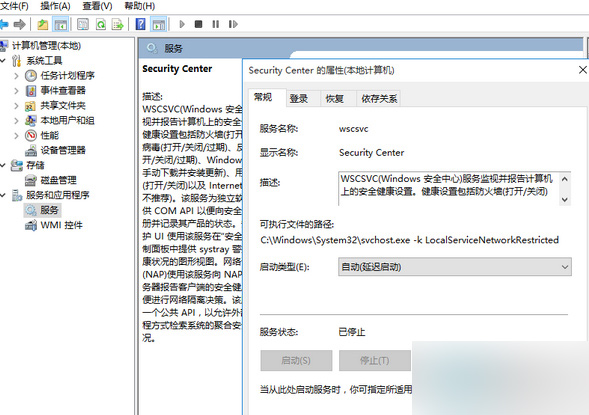
Win10 每次開機彈出「啟用 Windows 安全中心服務」提示,可通過以下步驟屏蔽:
禁用安全中心消息提示後,開機不再彈窗打擾。
Windows 7 瀏覽器無法彈出 CMCC-EDU 登入頁?廣告攔截攔截彈出視窗
Windows 7 連線隱藏 SSID 無線網路:兩步驟快速設定教學
XP 系統如何設定開機密碼保護電腦?完整圖文步驟教學
Windows 8 筆電莫名進入睡眠?進階電源設定調整休眠時間解決
Windows 10 內建截圖工具 (Win+Shift+S/截圖工具) 失效無法儲存?修正圖片庫儲存路徑教學
Win10 Mobile 15002預覽版缺席:微軟專注PC端反饋,移動版近月無更新
Win10 開機桌面圖示自動重新排列?修改登錄檔徹底解決
Windows 7 開始按鈕圖示自訂:用「軟媒魔方」替換為 Win8 風格或個人頭像