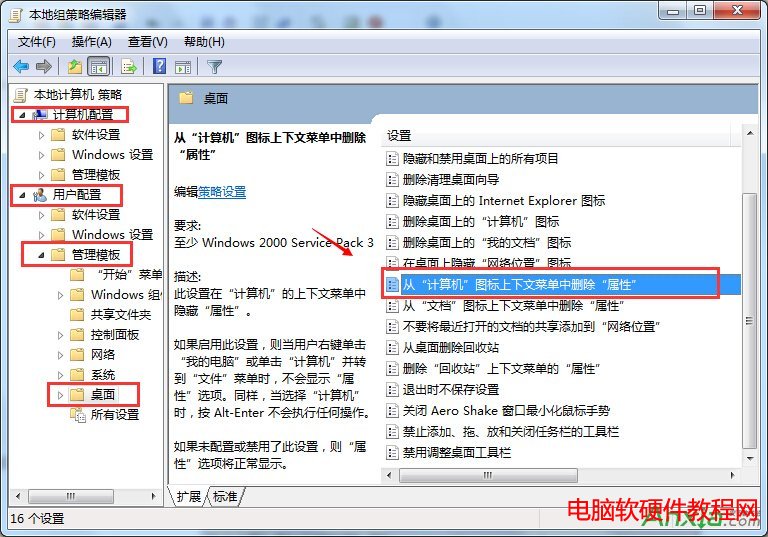
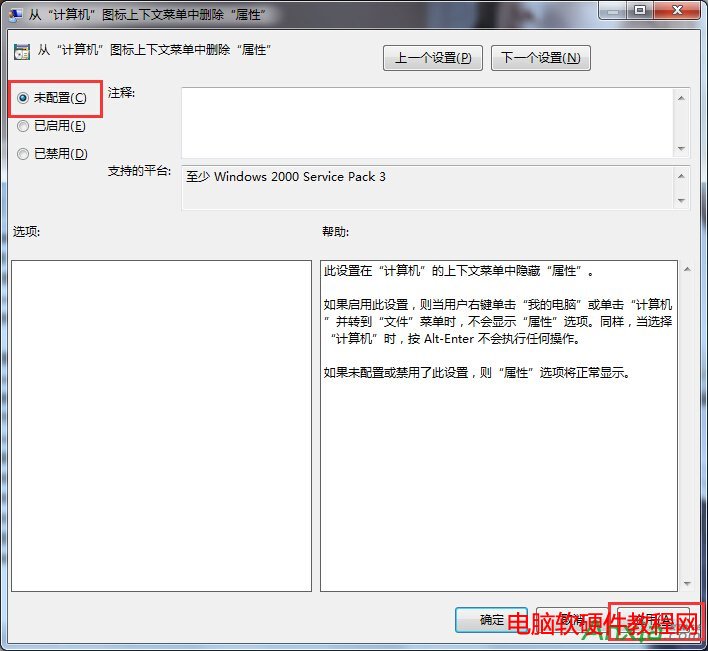
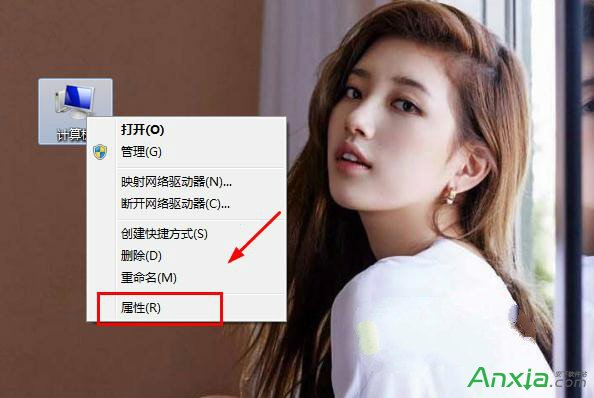
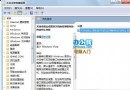
Win7 右鍵「電腦」無「內容」選項,因群組原則隱藏。修復步驟:
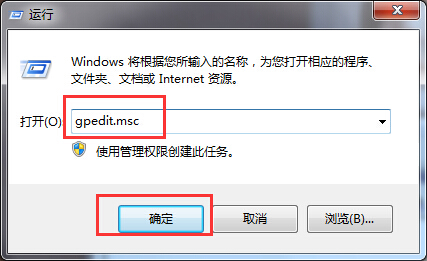
Win+R
gpedit.msc
簡單修改群組原則,找回系統屬性快速入口。
微軟推送 Windows 10 第三波累積更新 KB3081438,專注修正錯誤與效能提升
Win10 預覽版恢復舊版系統托盤時鐘:登錄表修改 UseWin32TrayClockExperience 回傳經典日曆介面
Win10 Wi-Fi 訊號弱、不穩定?關閉網卡省電模式即可改善
Win10 建立 Wi-Fi 熱點完整教學:使用 WiFi 共享精靈分享網路
該不該升級 Windows 10?四大族群利弊分析助你決策
微軟確認準備新版 Win10 Mobile 預覽版修復 10586.29 更新問題,Redstone 分支同步推進
Windows 10 修改 TCP/IP 連線數解決網頁卡頓、下載緩慢
三大升級路徑全解析:Win7/8.1 免費升級 Win10 TH2 正式版圖文總教程