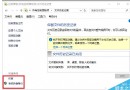
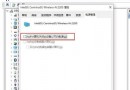
gpedit.msc 開啟群組原則編輯器。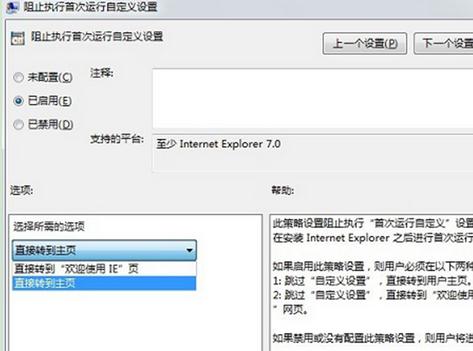
設定後不再彈出升級提示視窗。
Win 10 正式版中文最新映像檔下載 64 位 (專業版+家庭版) Build 10240.16425 已整合累積更新
Windows 8 開關機與關閉應用程式:Metro 介面操作指南
Win8 TMP 暫存檔完整認識:來源、用途、開啟工具、安全刪除時機
VMware Fusion 7 虚拟机安装 Win10 图文教程:选择 Windows 8 x64 兼容模式、安装 VMware Tools 增强功能
Win10 徹底關閉「快速存取」功能:註冊表修改 Attributes 值隱藏導覽窗格項目