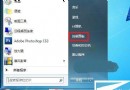
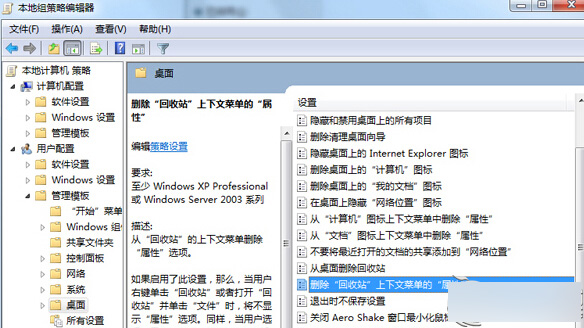
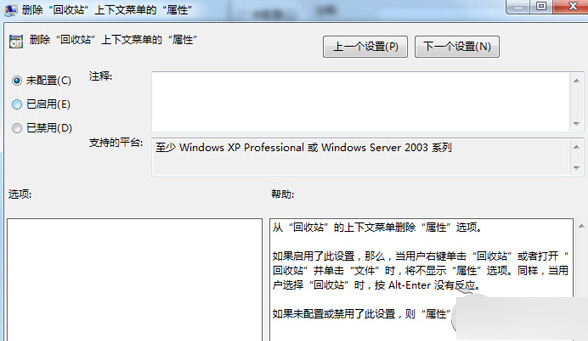
若資源回收筒右鍵選單找不到「內容」,請依下列步驟恢復:
gpedit.msc 開啟群組原則編輯器。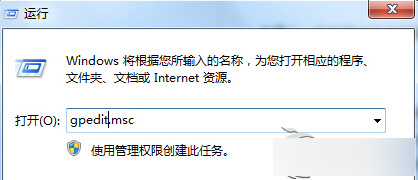
Win10 系統更新下載失敗?更換 DNS 為微軟推薦 4.2.2.1/4.2.2.2 秒解決
Win7 調整 DPI 解決高解析度下文字大小不一、間距異常問題
Win10三大版本累積更新補丁下載:KB3213986/KB3210721/KB3210720完整匯總
Windows 7 右鍵選單找不到「新增文字文件」?匯入登錄檔一鍵恢復
Win10 多檔案選取右鍵選單項目消失怎麼辦?修改登錄檔突破 15 檔限制
Windows 10 Build 10074 開始選單毛玻璃效果啟用法:登錄修改 EnableBlurBehind=1