Windows 8 專業版可透過「新增功能」安裝 Windows Media Center。微軟曾提供免費產品金鑰(現已停止發放),若手上有金鑰可依下列步驟安裝。
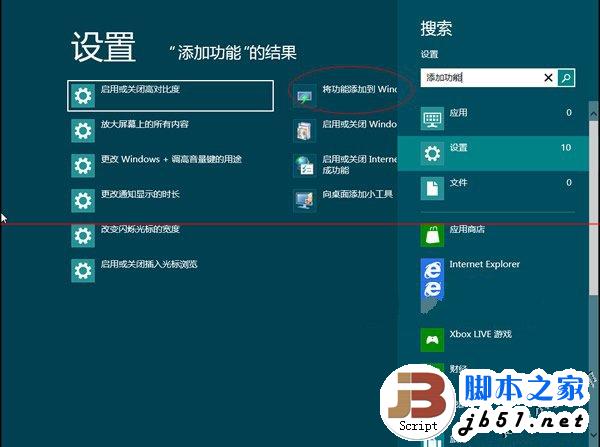
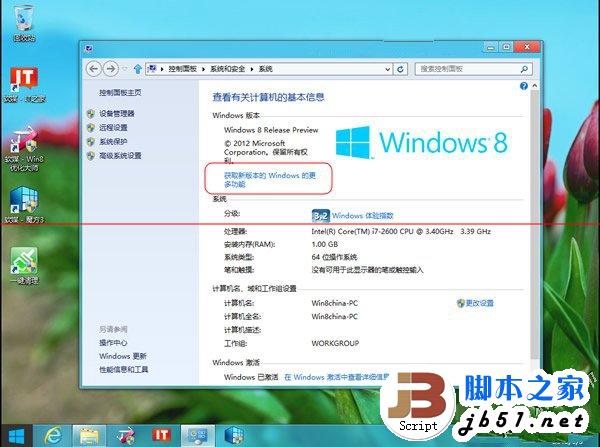
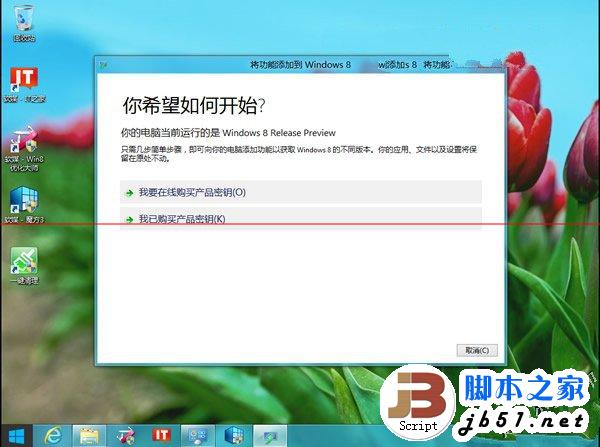
MBFBV-W3DP2-2MVKN-PJCQD-KKTF7 → 「下一步」。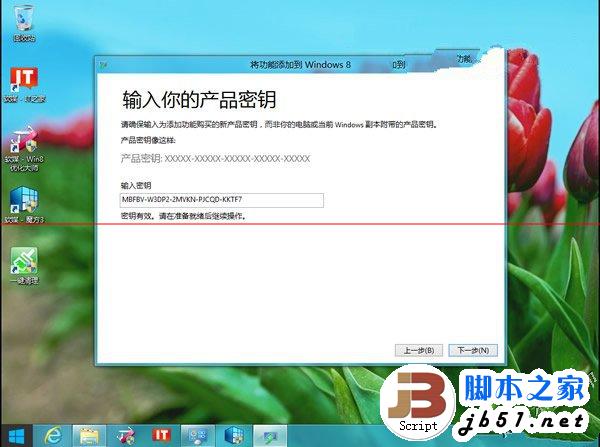
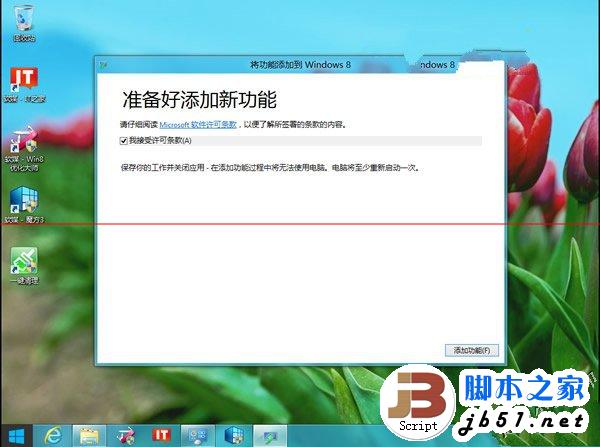
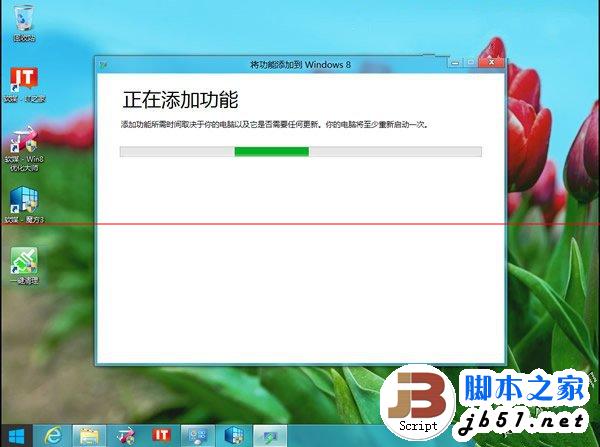
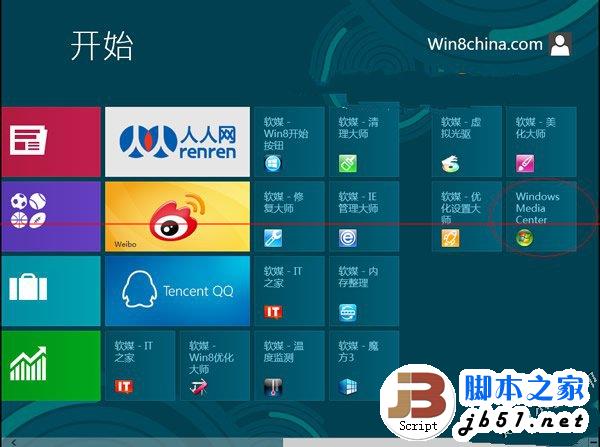
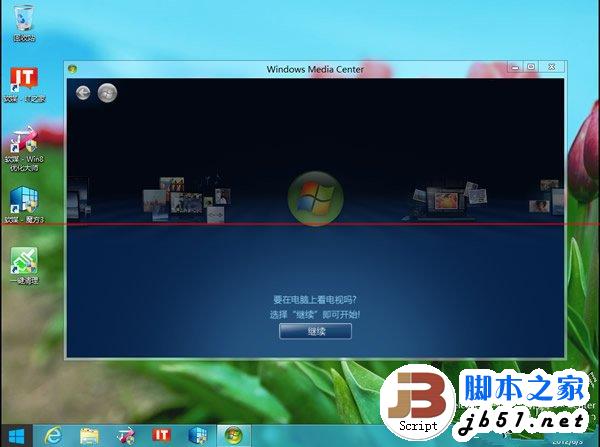
注意:此金鑰為早期推廣用,可能已失效。Windows 8.1 及 Windows 10 已移除 Media Center 功能,建議改用第三方媒體播放軟體(如 VLC、PotPlayer、Kodi)。
Win10 Build 10122 正式推送:無 ISO、純修復版
Windows 7 64 位元 8GB 記憶體僅識別 3.24GB?BIOS 開啟 Memory Remap 即可解決
Win8.1桌面「家庭組」圖標反復出現?兩種方案徹底清除:退出家庭組vs禁用服務
Windows 10 專業版各地區價格對比:中國區 1,799 元最貴,美區 $199(1,242 元)、港區 2,199 港幣(1,762 元)、台區 6,999 台幣(1,398 元)
Win7/8.1 右下角出現「取得 Windows 10」圖示怎麼辦?完整應對與升級實測