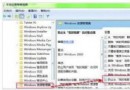
Win10 卸載記憶體驅動程式:
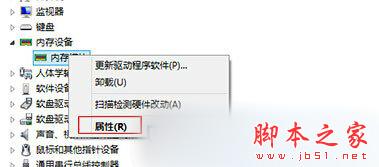
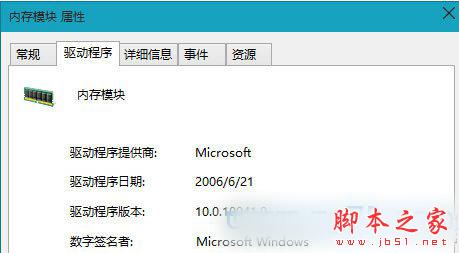
重開機後系統將自動重新安裝驅動程式。
Win10 Build 14328 實測:全新開始選單、Windows Ink 大進化
Win8 如何安裝 QQ?從 Microsoft Store 下載安裝 Metro 版 QQ 完整教學
Win8 藍畫面錯誤代碼 0x00000019 完整排除指南:BAD_POOL_HEADER 核心記憶體池損毀
Windows 10 鍵盤失靈怎麼辦?啟用內建螢幕鍵盤應急輸入
Windows 10 記憶體佔用高?清理升級殘留暫存檔釋放空間
Win7 更新失敗錯誤 8024402F?修改 DNS 為 4.2.2.1/4.2.2.2 快速解決