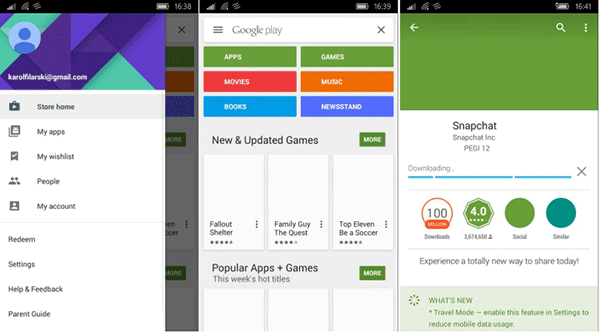
升級 10536 後側載 Android APK 功能失效,XDA 發現修復法:
Tools
wconnect tool
wconnectsrv
DELETING_EXISTING_APPLICATIONDATA_STORE_FAILED
此法可暫時恢復側載功能,待官方正式修復推送。
Windows 7 內建燒錄功能:支援 ISO 映像燒錄、音樂 CD 製作無需第三方軟體
Win10 累積補丁 KB3124200 釋出:版本號升至 10586.36,桌面版與手機版同步
Win8 應用程式無法開啟/無回應?罪魁禍首可能是注音/倉頡輸入法相容性問題
Windows 7 任務列右下角「操作中心」圖示隱藏/關閉教學
殺毒後 Windows 桌面消失 (explorer.exe 異常) 六步修復:安全模式、登錄 Shell 值、Image File Execution Options、任務管理器重啟、隔離還原、PE 替換
Win7 不小心刪除 Taskmgr.exe 導致工作管理員無法開啟?SFC 掃描修復教學
Windows 10 Build 10147 畫廊洩露:正式啟用 Edge 品牌,平板模式導航優化
Win10网页字体模糊不清?关闭IE/Edge GPU加速渲染恢复清晰