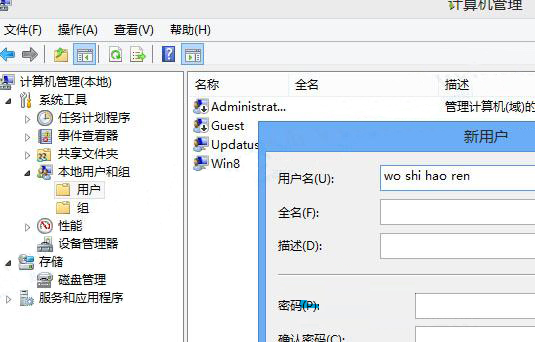
Win8.1 出現「公用外殼 DLL 已停止運作」錯誤,通常是 UPnP Device Host 服務未啟動導致。修復方法:

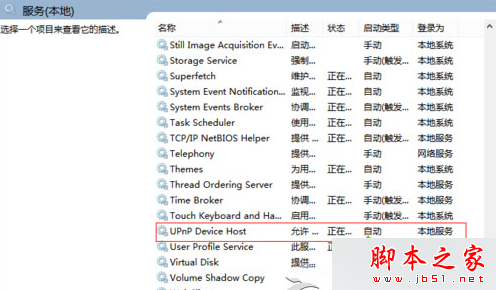
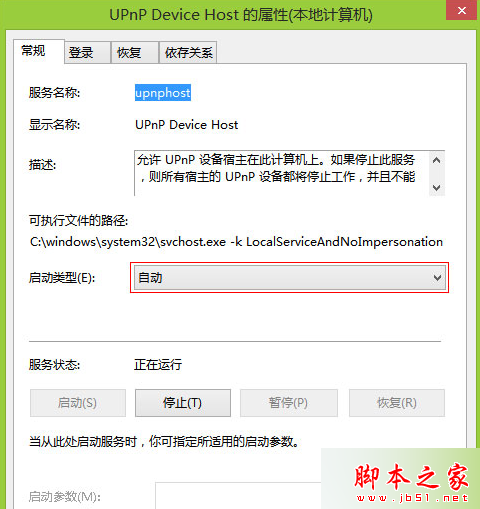
知識補充:UPnP (通用即插即用) 讓裝置在網路中自動發現與協同工作,廣泛用於家庭網路環境。
Win10 Spartan 瀏覽器全螢幕瀏覽網頁:更多選項→全螢幕一鍵切換
Win10 隱藏版實用小技巧 5 選:批次重命名、記事本自動記時、免密碼登入、還原關閉分頁、快速截圖
Win10 正式版 10586.71 累積更新預計本週推送 (補丁日),主要修正錯誤提升效能
Win7 工作列鍵盤/輸入法圖示不見了怎麼找回?語言列設定「停駐於工作列」或輸入法內建選單恢復
Win7 如何關閉預設共享資料夾 (C$、D$、ADMIN$ 等)?電腦管理→共用資料夾→停止共用
Windows Server 2003 IIS ASP 上傳 200KB 限制突破:修改 Metabase.xml ASPMaxRequestEntityAllowed