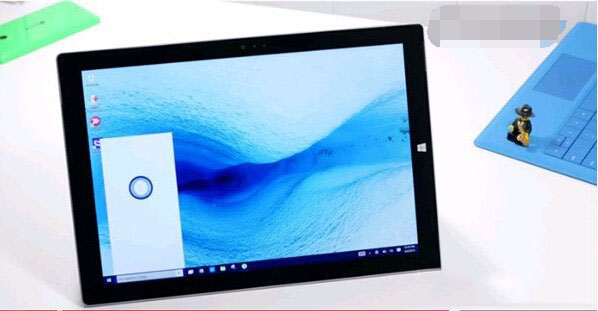
Cortana 小娜深受 Windows Phone 使用者喜愛。Win10 預覽版更新頻繁,Insider 會員多已體驗小娜功能。本文介紹 Win10 版 Cortana 語音校對(學習我的聲音)操作步驟與影片教學。
預覽版 10036 引入語音校對功能,提升「Hey Cortana」語音喚醒成功率。10049 版本進一步改進。
校對過程中小娜提供三句短句供重複朗讀:
完成校對後,Cortana 對語音喚醒辨識度大幅提升,無需觸碰裝置,說出「Hey Cortana」即可自動喚醒。
影片教學:
Windows 修改 hosts 文件權限圖文教程:獲取完全控制權可直接編輯保存
Win7 操作中心無法開啟?一招教你快速修復 Security Center 服務
Win7 播放器播放音樂遇其他聲音自動中斷?通信設置選「不執行任何操作」修復
Win10 創意者更新 14986 上手影片:Cortana、Ink、Defender、中文輸入法大幅改進
Win10 系統崩潰怎麼辦?重置功能比重裝更強,保留資料又乾淨
Win7 如何設定最高管理員權限?啟用內建 Administrator 帳戶教學
Win10 開啟「電腦管理」三種方法:右鍵此電腦、檔案總管標籤、執行指令
Windows 8 睡眠喚醒後無法自動連 WiFi?啟用 FIPS 相容性與關閉網卡省電解決