Win8 睡眠/快速啟動喚醒後 WiFi 無法自動連線,重開機才能恢復。解法:右下角無線圖示右鍵 →「開啟網路和共用中心」→ 點選無線連線 →「無線內容」→「安全性」頁籤 →「進階設定」→ 勾選「為此網路啟用聯邦資訊處理標準 (FIPS) 相容性」。並至裝置管理員 → 網卡 → 內容 → 電源管理 → 取消勾選「允許電腦關閉此裝置以節省電源」。兩步驟完成後喚醒即可自動連線。
Win7 桌面背景切換無淡入淡出?啟用 Aero Peek 玻璃效果即可恢復漸變
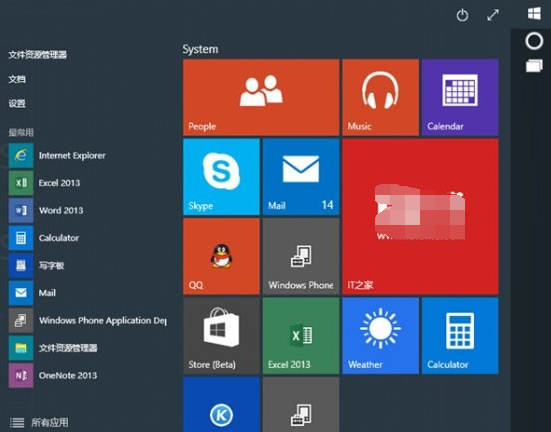
Win10 Build 10036 官方 ISO 下載:開始選單透明化、地點簡化、無 Spartan 瀏覽器
Win7 開啟 Microsoft Outlook 提示「已停止工作」修復指南:DLL 損壞與 Office 修復雙軌解決
Win10 9926 更新後極路由無法連接硬碟:SMB 1.0/不安全來賓存取 登錄修復法
Win10 Build 9926 IE11 暗藏 Spartan (Edge) 引擎:about:flags 一鍵啟用實驗性 Web 平台功能