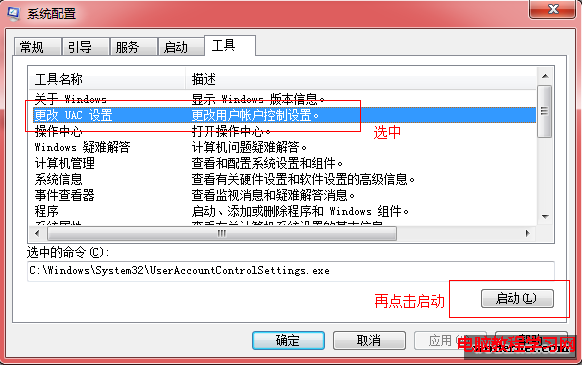
Win10 移除開機 F8 進入安全模式,改用系統設定工具:
msconfig。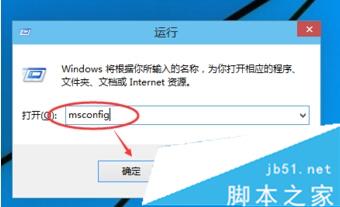
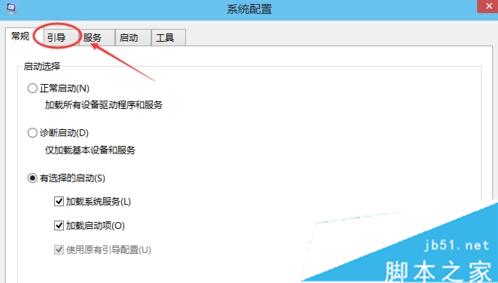
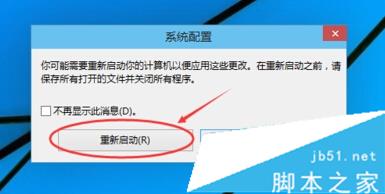
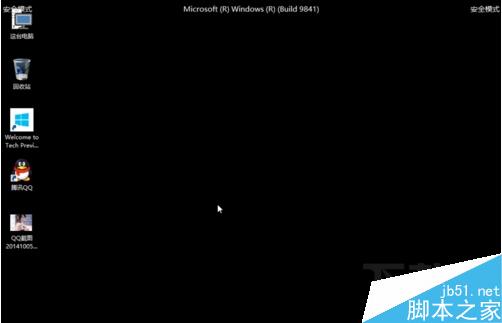
安全模式適合殺毒、修復系統故障,完成後再取消勾選恢復正常啟動。
Win10 15002 Windows Defender大升級:引入「刷新Windows」一鍵重裝、設備健康報告、家庭保護儀表板
Windows 7 系統垃圾檔案與登錄清理:臨時檔案位置、建議用專業工具掃描登錄
Win8.1 Update 還原至 Win8.1:解除安裝 KB2919355 與 KB2919442 即可回退
Windows 10 高解析度螢幕字型模糊發虛完整解決:三階段方案(單一應用/系統縮放/登錄檔強制舊模式)
Windows 10 正式版釋出時間確認:RTM 6 月交付 OEM,7/29 公開推送免費升級
Win8 解決「螢幕解析度過低無法執行 Metro 應用程式」:登錄檔強制啟用高解析度
Win8.1 觸控鍵盤圖示無法關閉/自動彈出?停用 TabletInputService 服務與 Chrome 衝突排查