Win10 更新下載長時間停留 0%,常因 Windows Defender 佔用資源或更新服務異常。
wuauserv → 右鍵「重新啟動」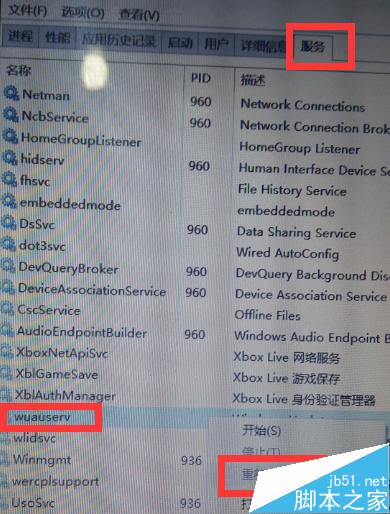
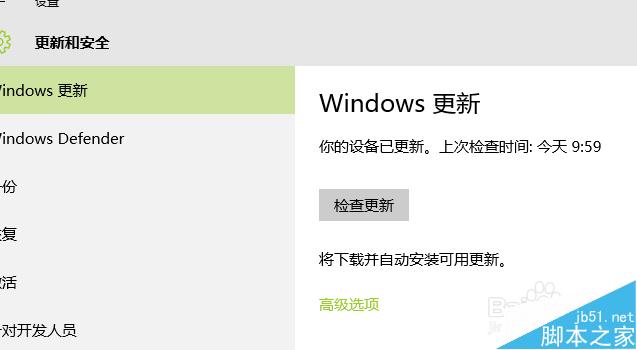
兩步驟通常即可恢復正常下載。
Windows 10 升級文件 $Windows.~BT 在哪裡?開啟隱藏項目即可在 C 槽根目錄找到
Win10 10525 升級安裝完整指南:從 10240 正式版升級、全新安裝、退出 Insider 回滾正式版
Windows 7 新增額外時區時鐘教學:任務列同時顯示兩地時間
Windows 7 快速清理 Windows Update 更新快取垃圾兩種方法
Windows 10 安裝後 C 槽空間不足?磁碟清理工具快速回收空間
Windows 10 正式版發布時間曝光:RTM 版本最快 7 月 8-9 日交付 OEM
Windows 7 開機黑屏提示「Non-system disk or disk error」?主分區未啟用導致,PE 修復啟用即可解決