Win10 任務列預設無「顯示桌面」按鈕,可自製 .scf 捷徑並釘選至任務列實現。
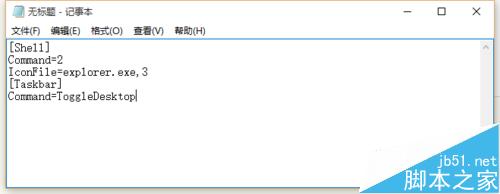
C:\Windows\showdesktop.exe:[Shell]
Command=2
IconFile=explorer.exe,3
[Taskbar]
Command=ToggleDesktopC:\Windows 找到檔案,拖曳至任務列.exe 改為 .scf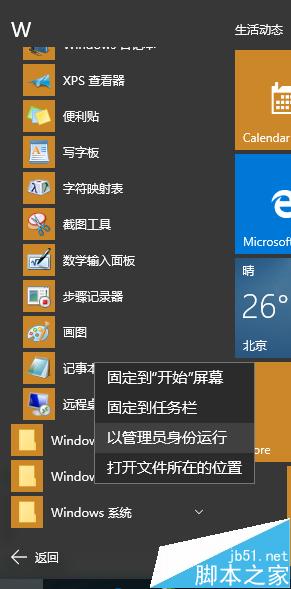
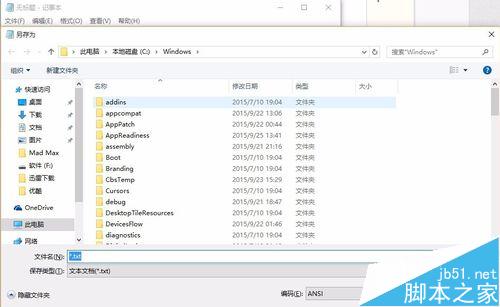
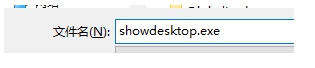
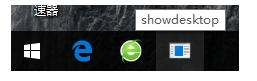
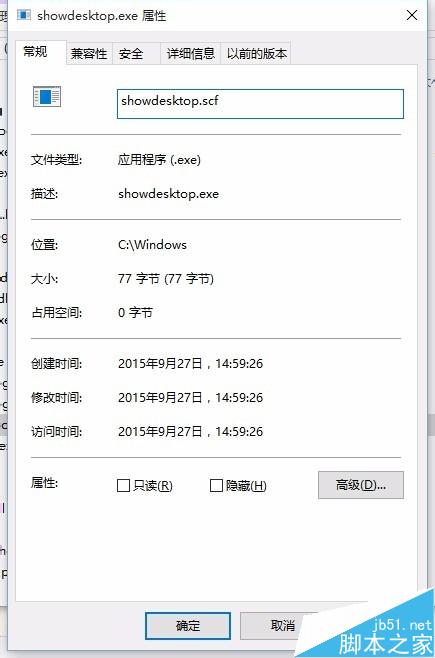
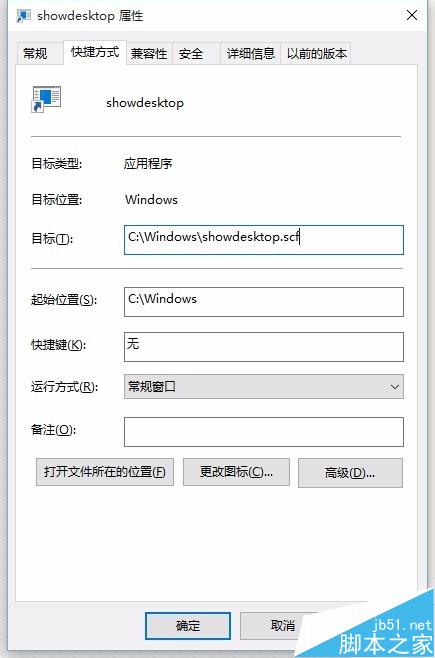
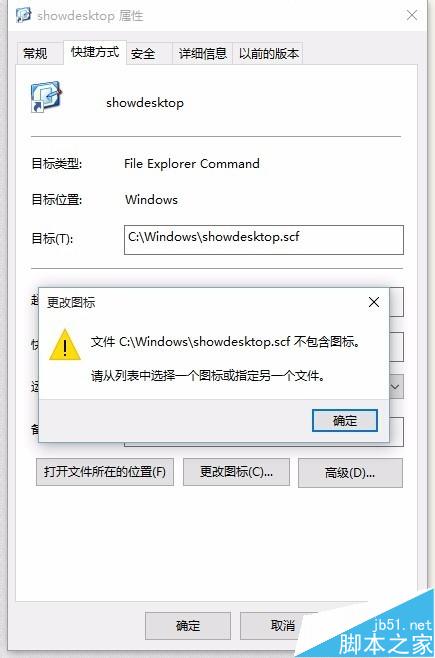
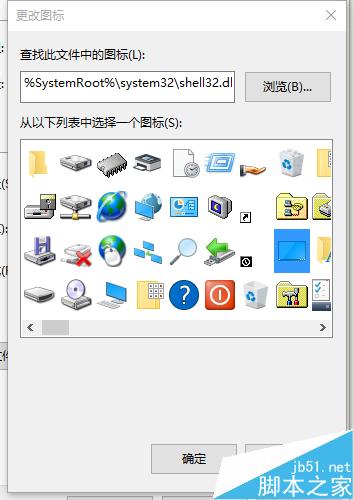
重新開機或重新整理後圖示即可生效。
Win10 徹底關閉操作中心通知:登錄表修改 DisableNotificationCenter 完全禁用
Windows 8.1 無線網路連線完整操作指南:從掃描到自動連線
安裝 Win8 64 位旗艦版提示「Windows 無法安裝到這個磁盤」故障分析與解決方法
Win10 切換 Microsoft 帳號登入網路需求解決:手機熱點、USB 網路分享實測可行
Win10 預覽版 11102 32 位簡體中文專業版 ISO 鏡像下載 (含 SHA1 校驗碼)
Windows 10發布會前瞻:企業升級、應用生態、版本策略、RT命運、升級收費五大懸念待解