Win10 正式版發布,安裝需找到 $Windows.~BT 文件,步驟:
$Windows.~BT
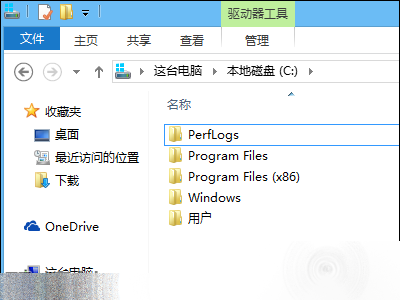
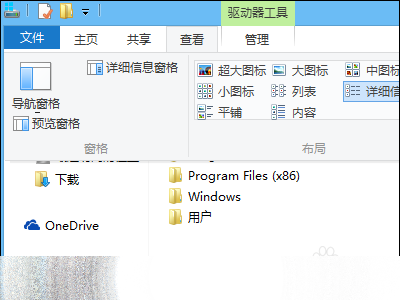
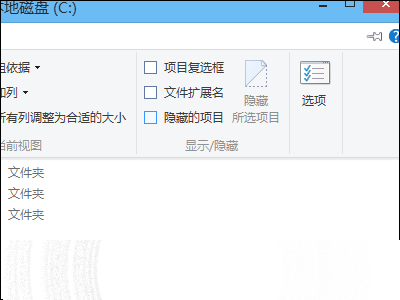
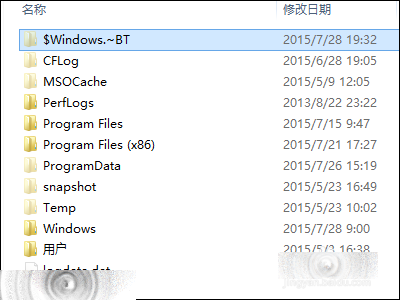
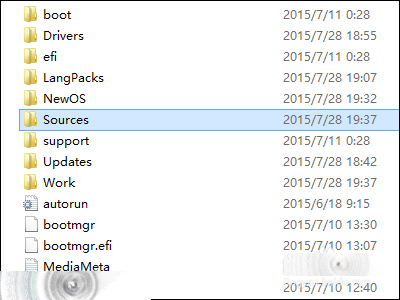
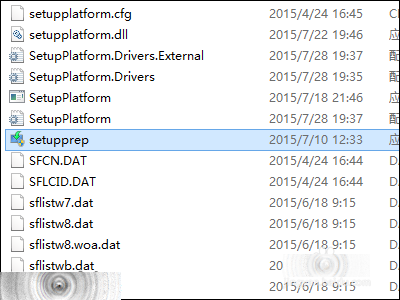
安裝法:複製到非系統盤 → 進入 sources → 雙擊 setupprep.exe。
Win10 Build 9879 無法自動更新?切換至 Fast 通道即可接收推送
Win10 累積更新 KB3116908 安裝失敗終極解決:刪除 SoftwareDistribution 下載緩存文件夾重試
Win10 預覽版 9879 新特性速覽:五大介面變革一次掌握
Win8.1 閒置自動關機排查:更新驅動、確認滑鼠鍵盤喚醒權限、關閉快速啟動與混合睡眠
Windows 7 修改 Hosts 檔案「權限不足」解決方案:兩種方法取得管理員權限
Win10 如何設定印表機雙面列印?啟用雙面列印單元完整步驟