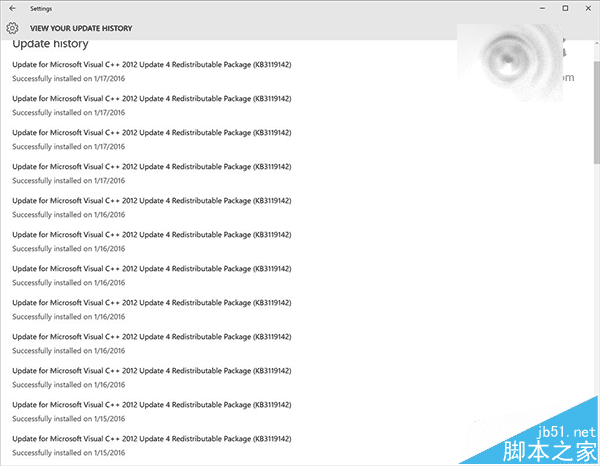
Win10 安裝後 C 槽空間暴減,主因為安裝分割區配置過小或舊版系統備份佔用。內建磁碟清理工具可一鍵釋放空間。
控制台 → 系統和安全性 → 系統管理工具 → 釋放磁碟空間 → 預設 C 槽 → 確定 → 勾選刪除項目 → 清理系統檔案 → 確定 → 刪除檔案 → 等待 → 確定
清理完成可回收數 GB 空間,緩解 C 槽壓力。建議安裝時預留 50GB 以上給系統盤,並定期執行清理。
Windows 10 顯示副檔名、隱藏檔案與受保護系統檔案完整設定教學
Windows 7 刪除不需要磁碟分區 擴展磁碟空間教學
Win10 設定自動登入:netplwiz 取消「使用者必須輸入使用者名稱和密碼」→ 輸入帳號密碼確認
Windows 7 讀卡機讀不到記憶卡?五大排除步驟與 USB 供電優化
Win7/Win8.1 用戶必看:升級 Win10 前需知的 14 大潛在問題
Win7 建立強力密碼/密碼片語技巧,大幅提升帳號安全性
Windows 10 Build 10147:Edge 瀏覽器支援分頁拖曳建立新視窗
Win7 開啟電腦連接埠兩大法:服務管理與 TCP/IP 篩選