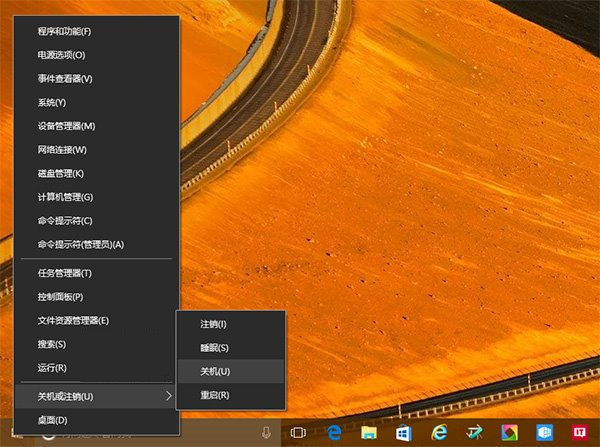
Win10 開始按鈕右鍵點擊無反應,不彈出包含「工作管理員」、「設定」、「電源選項」等功能的超級選單(Win+X 選單)。左鍵開始選單、工作列右鍵均正常。此問題於 Win8.1 亦會出現。
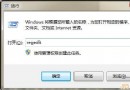
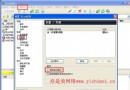
regedit。HKEY_CLASSES_ROOT\lnkfile → 新增字串值 IsShortcut(值留空)。HKEY_CLASSES_ROOT\piffile → 新增字串值 IsShortcut(值留空)。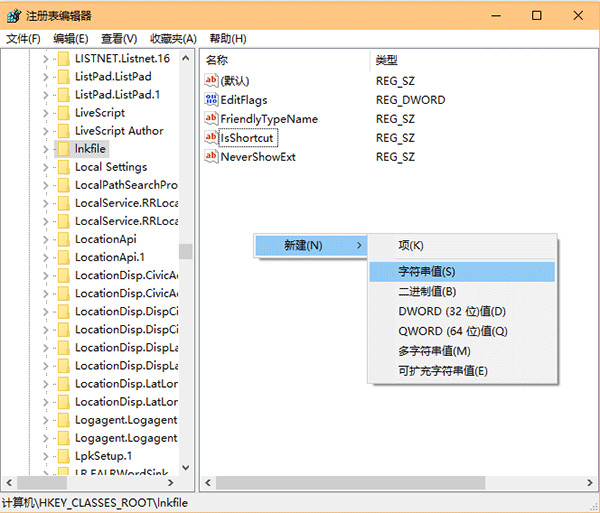
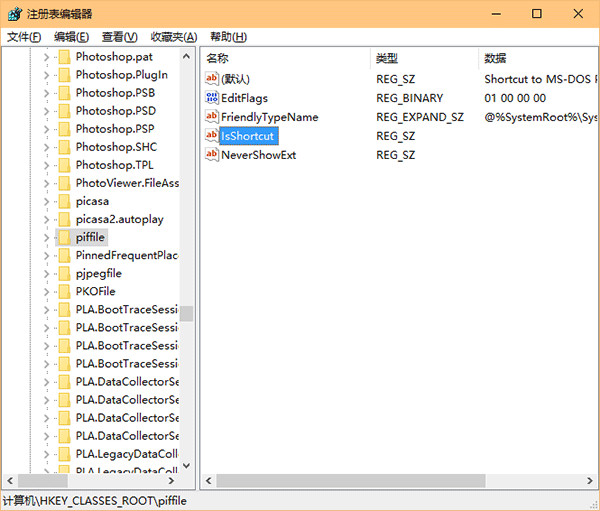
IsShortcut 字串值標記該檔案類型為「捷徑」,Shell 以此識別並建構內容選單與 Win+X 選單項目。缺失時導致選單建構中斷。某些最佳化工具或清理程式可能誤刪此值。
Win7 IE 管理增益集:停用/移除工具列、ActiveX、瀏覽器助手物件 (BHO)
Win8.1 筆電散熱差?建立「快速降溫」電源計畫降低 CPU 溫度
Win7 開啟 Word 提示「目前使用者未安裝 Microsoft Office」修復教學
Win7 錯誤代碼 10107 無法上網?因 360 安全衛士導致,Winsock 重置解決
用 Windows 畫圖工具給圖片加浮水印:免安裝軟體、透過 Word 製作透明背景
Win10 如何設定自動更換桌面壁紙?喚醒傳統「桌面背景」介面靈活控制切換間隔與來源