Windows XP Windows 7 Windows 2003 Windows Vista Windows 綜合教學 Linux 系統教學
Windows 10 Windows 8 Windows 2008 Windows NT Windows Server 電腦軟體教學
您现在的位置: Windows教程網 >> Windows教程 >  >> Windows 綜合教學 >> 關於 Windows

Win7 錯誤代碼 10107 無法上網?因 360 安全衛士導致,Winsock 重置解決

編輯:關於 Windows

Windows 7 出現錯誤代碼 10107 導致無法上網,經排查為 360 安全衛士驅動衝突損壞 Winsock 目錄。透過系統檔案檢查確認代碼後,執行 netsh winsock reset 重置網路協議堆疊即可恢復。

修復步驟

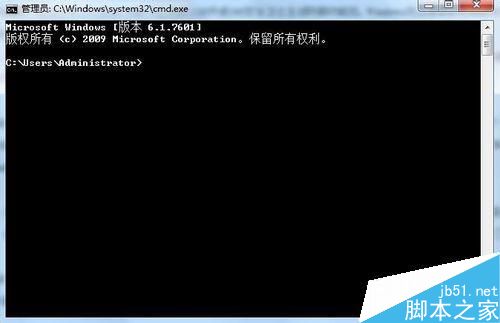
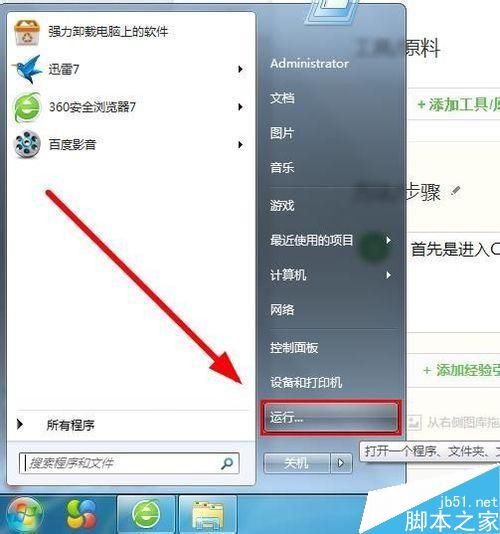
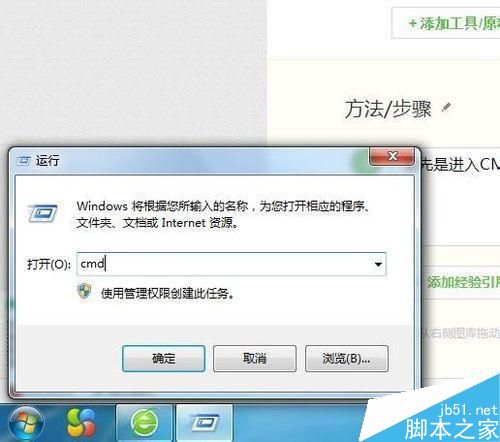
  1. Win+R → cmd 開啟命令提示字元。
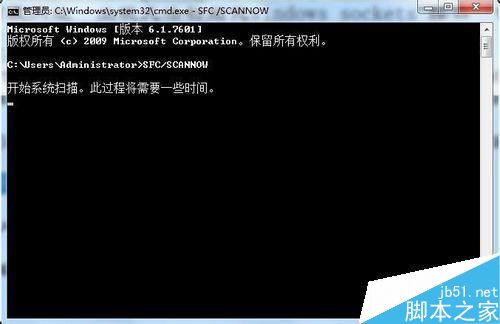
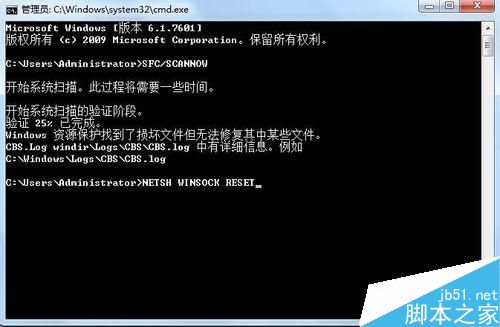
  2. 輸入 sfc /scannow 掃描,確認錯誤代碼為 10107 (若非此代碼此法不適用)。
  3. 輸入 netsh winsock reset → 顯示「成功重設 Winsock 目錄」。
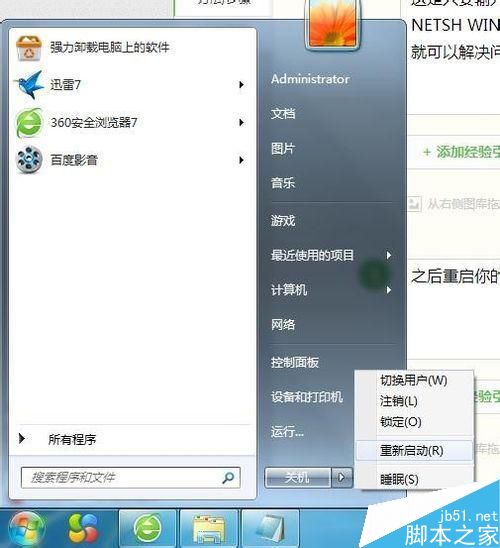
  4. 重新開機。
  5. 開機後 360 會彈出提示,選擇 允許 其網路存取。

注意:此法僅針對 sfc 掃描出 10107 代碼有效。若為其他網路問題,請嘗試 netsh int ip reset、重裝網卡驅動、檢查防火牆/防毒軟體設定。

Copyright © Windows教程網 All Rights Reserved