Win10 工作列顏色可透過「個人化」設定自訂,擺脫預設黑色主題:
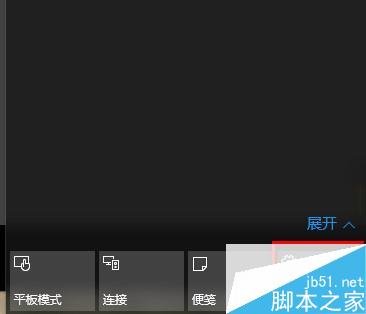
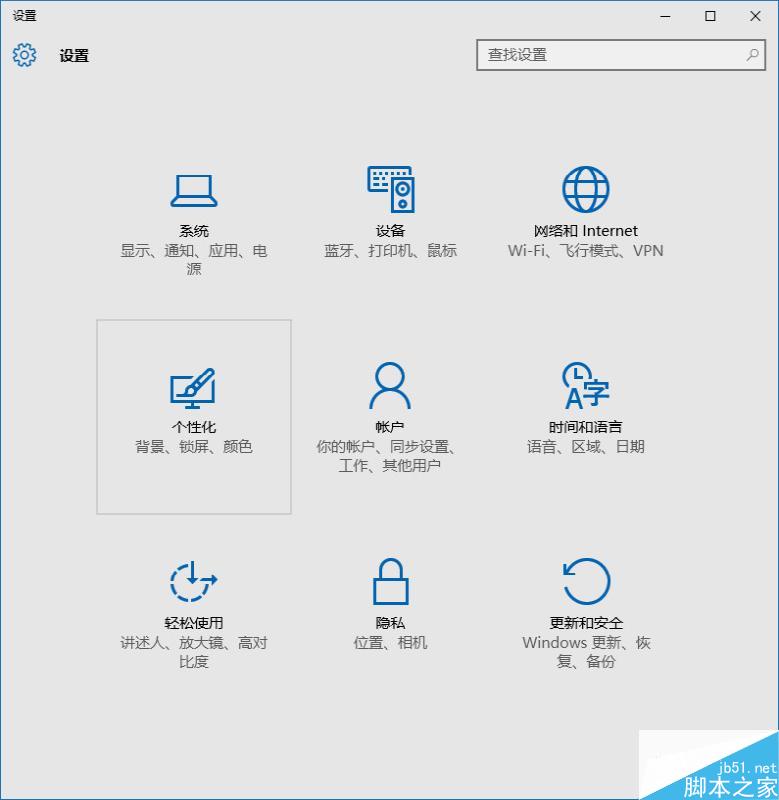
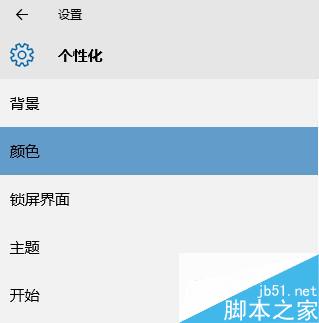
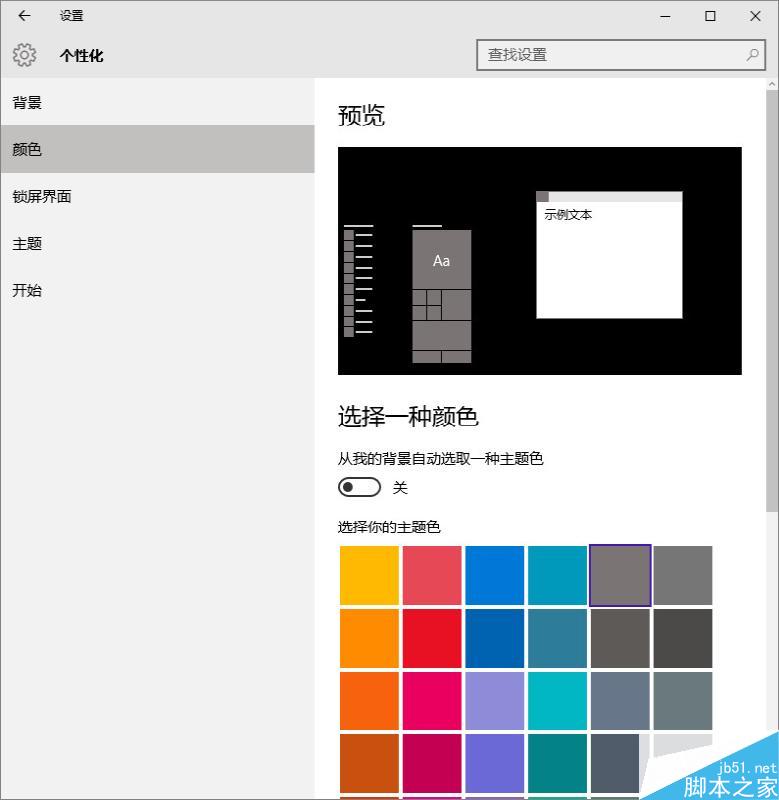

備註:工作列顏色與系統主題關聯,不更換主題前提下可自訂強調色彩達到變色效果。
Win10 Mobile 預覽版 14356 如何啟用 PC 通知同步?Cortana 跨裝置體驗完整教學
Win10 與 Win 8 使用體驗深度對比:五大核心差異解析
Win10 視覺效果如何自訂?效能選項中勾選所需動畫與陰影打造順暢體驗
Win10 如何將本機遊戲加入 Xbox 應用程式?三步驟快速匯入
刪除 Windows 8 系統中的 Windows.old 資料夾釋放磁碟空間
Win10 TH2 更新卡住無法安裝 NVIDIA 驅動?啟用 Windows Defender 更新一招破解