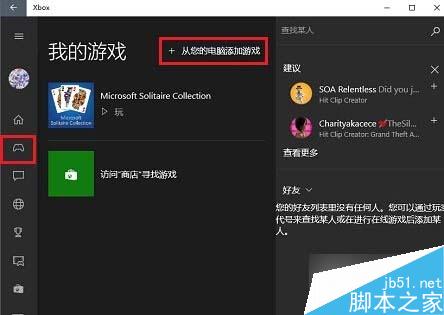
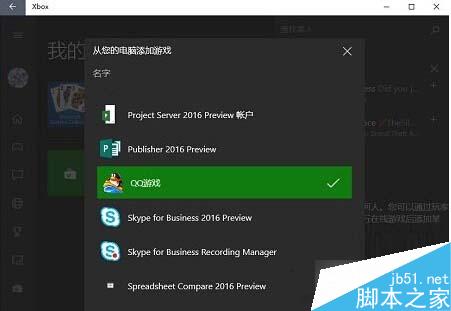
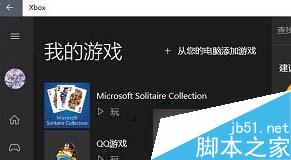
Win10 Xbox App 可整合本機遊戲庫:
Win10 操作中心開關呈灰色無法開啟?群組原則啟用通知與操作中心圖示
Win10 Mobile 直接安裝 Android APK 應用:ADB 部署、支援機型、開發者模式完整教學
Windows 10 系統需求與升級完整指南:硬體規格、升級管道、常見問題 FAQ
解決「Windows 無法識別您當前的時區」錯誤,匯入登錄檔快速修復
Win10 系統修復進階:WinRE 恢復環境完整操作指南(卸載更新、重裝系統、啟動修復)
Win10 「執行」指令在哪?三種最快開啟方式總整理
Windows 截圖工具 SnippingTool 報錯「未在計算機上運行」?註冊 InkObj.dll 和 TPCPS.DLL 修復
Win8.1 滑鼠延遲/卡頓問題修復補丁 KB2908279 (遊戲玩家必裝)