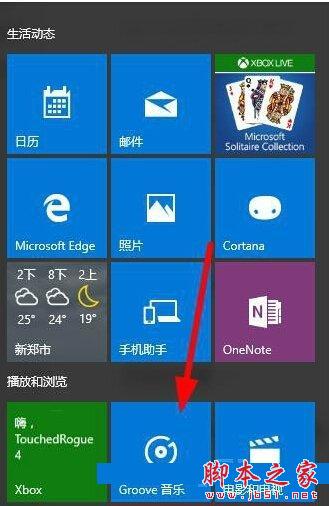
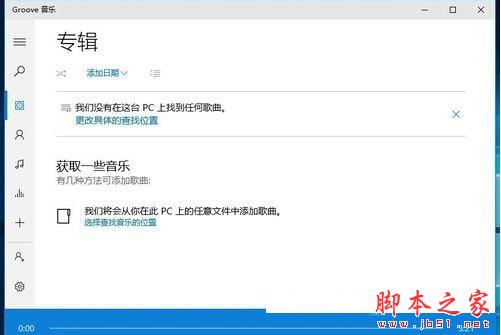
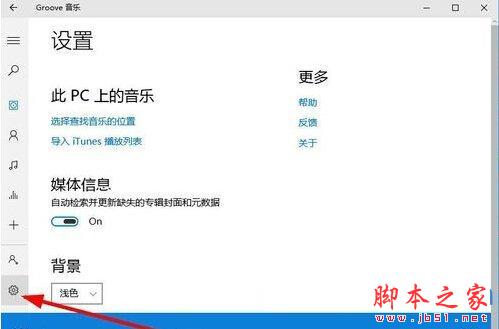
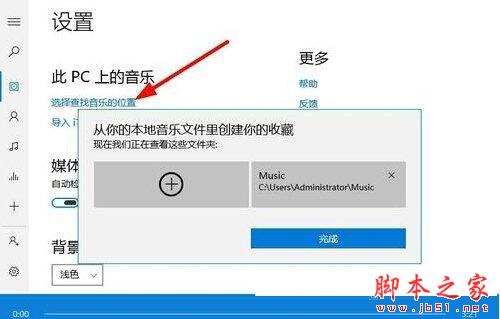
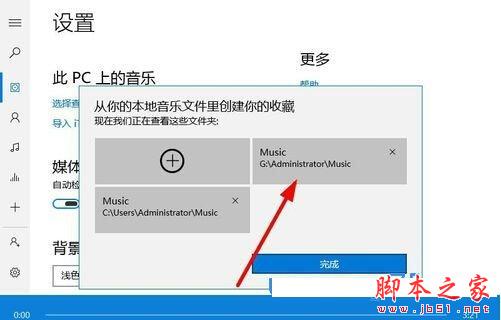
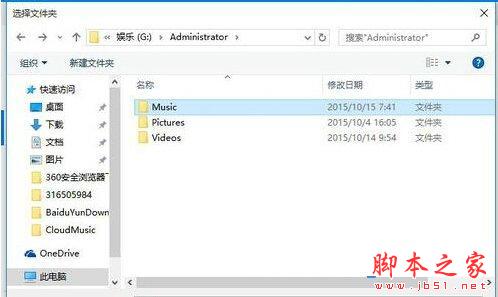
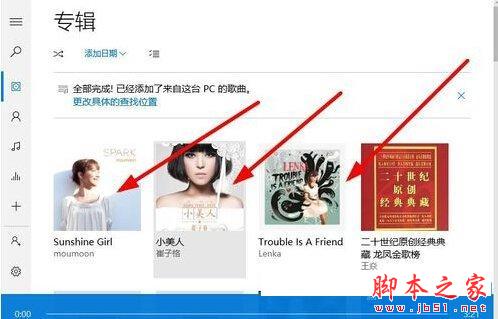
Groove 音樂不支援直接拖曳加入歌曲,需指定資料夾讓系統自動掃描匯入。六步驟完成音樂庫建立。
VMware Workstation 安裝 Win10 完整圖文教學:虛擬機建立、ISO 掛載、安裝流程與 VMware Tools
磁碟碎片整理讓電腦更順暢:系統內建工具與 Defraggler 第三方軟體比較
Win10 Cortana 怎麼改名字?完整設定與語音搜尋使用教學
Win10 Mobile/PC 週年更新累積補丁 14393.103 曝光:編譯於 8/19,屬 RS1 維護分支
Win10 內建指令建立 Wi-Fi 熱點:netsh wlan hostednetwork 完整教學(含網際網路共用設定)