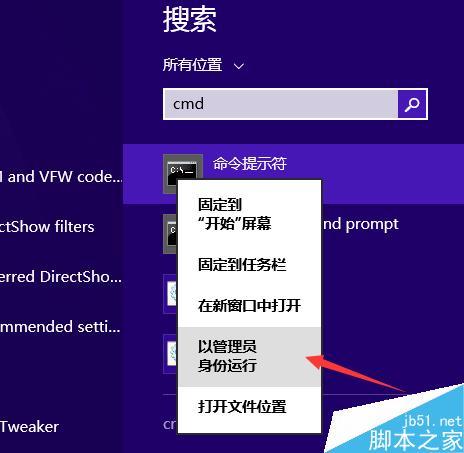
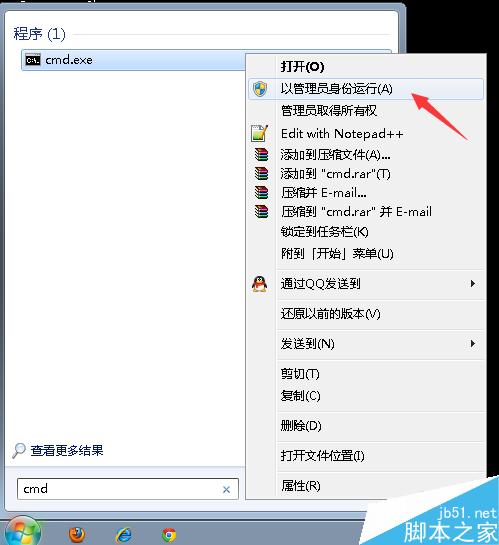
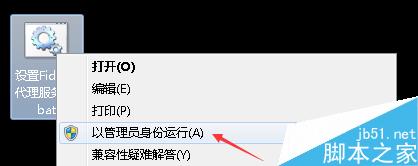
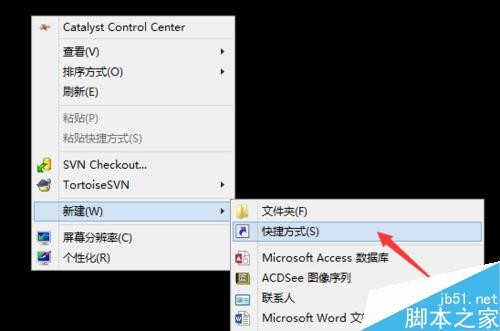
cmd
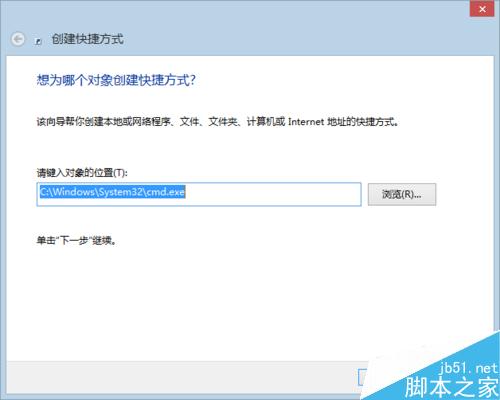
C:\Windows\System32\cmd.exe
四種情境全覆蓋,依需求選擇最便利方式。
Win7 隱藏 WiFi 信號完整教程:路由器設置關閉 SSID 廣播防蹭網
Win10 安全模式是什麼?六大實用場景與實戰案例分享
Win7/8.1/10 快速切換同一程式多視窗:登錄啟用 LastActiveClick 單鍵切換
Windows 10 系統需求與升級完整指南:硬體規格、升級管道、常見問題 FAQ
Win8 開啟電腦管理提示 MSVCR100.dll 遺失?從同版本系統複製 DLL 到 System32 修復
Win10 更新後藍屏開不了機?軟體修復與硬體排查雙管齊下
鎖定 Windows 7 IE 工具列防止被誤更動
Windows 8 設定自動關機三大法:任務排程器、命令提示字元、第三方工具