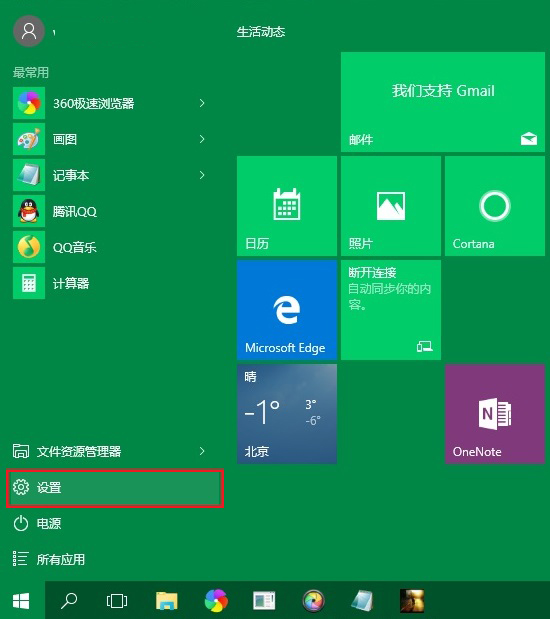
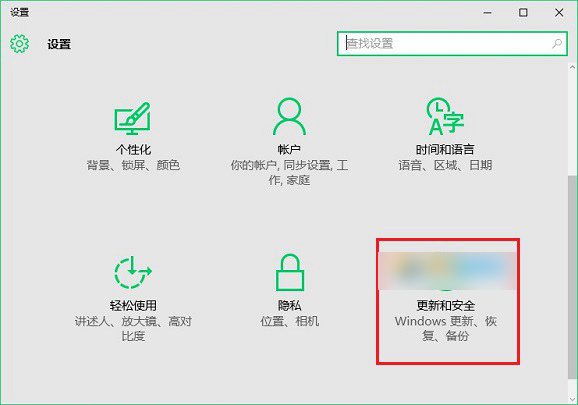
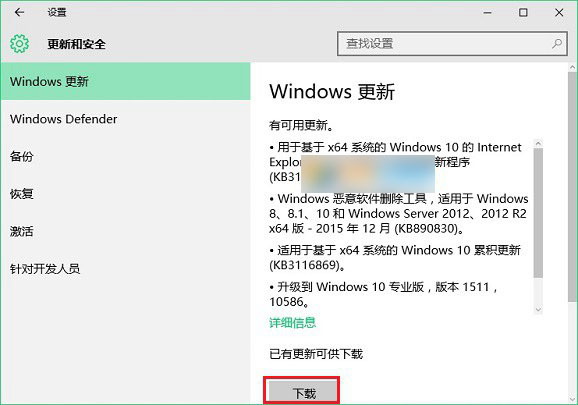
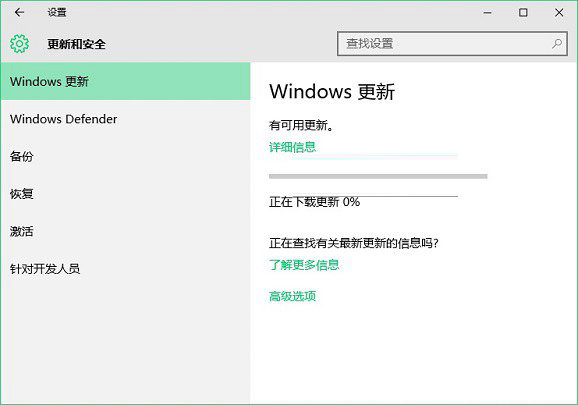
微軟近期推送修正 Flash 崩潰的 KB3133431 累積更新,建議使用者盡快安裝。若您關閉了自動更新,或系統未自動偵測到更新,可依循以下步驟手動檢查並安裝。

Win10手機版Build 10070辦公應用曝光:Word Preview磚磚加入,動態磚磚間距縮小
Win7 如何設定螢幕不關機、不睡眠、不自動黑屏?電源選項「從不」完整設定
Win10 Mobile 10581 已修復問題與已知問題完整大全 (官方彙總)
Win7 內建截圖工具完整教學:四種截圖模式、標註編輯、儲存與分享全流程
Windows 10 Mobile 週年更新 Build 14393.67 升級截圖流出:或為最終推送版本
Win7 開啟 IE 提示「已停用的增益集,網頁內容無法顯示」?兩步驟修復捷徑參數錯誤