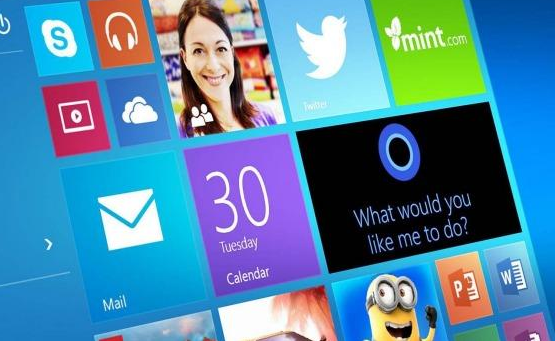
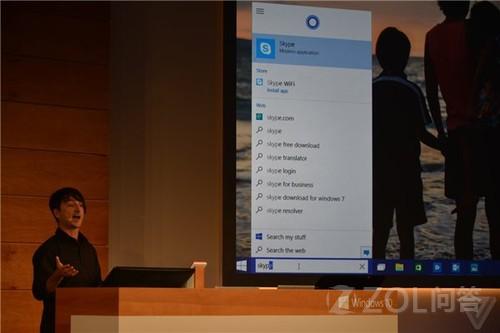
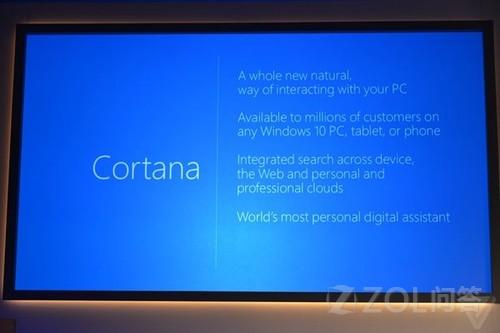
Cortana (中文版「小娜」) 整合於 Win10 系統,位於工作列開始按鈕右側,支援「Hey Cortana」語音喚醒。Joe Belfiore 現場演示問答流暢,體驗接近手機版。
核心功能實測
- 語音喚醒:支援「Hey Cortana」免手操作。
- 本地檔案搜尋:可要求開啟特定文件、搜尋本地檔案。
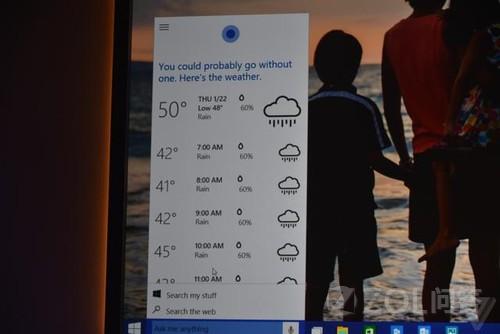
- 資訊查詢:新聞、航班、股價、天氣、體育比分等即時資訊。
- 介面位置:工作列開始按鈕右側,常駆顯示。
現況與展望
- 演示版為 Build 9924 (fbl_cortana 分支),功能尚未完美,仍有許多問題。
- Cortana 服務將於未來數月優先向內測用戶釋出。
- 桌面版小娜將成為 Win10 核心差異化功能,深度整合系統與雲端服務。
期待正式版提供更完整的中文語意理解與本地化服務整合。