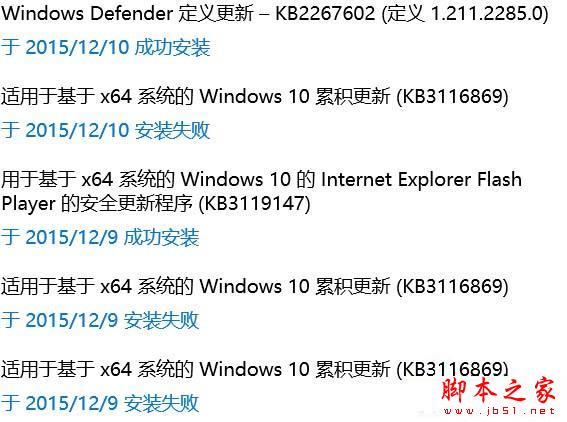
Win10 安裝累積更新 KB3116869 失敗並出現黑屏,通常因更新暫存檔損毀。以下為清除暫存並重裝步驟:
解決步驟
- Win+R →
services.msc → 找到 Windows Update → 右鍵「停用」。
- 開啟
C:\Windows\SoftwareDistribution\DataStore → 刪除資料夾內所有檔案。
- 回
services.msc → 啟動 Windows Update 服務。
- 「設定」→「更新與安全性」→「Windows Update」→ 「檢查更新」,重新下載安裝 KB3116869。
補充說明
- 同樣適用於其他累積更新安裝失敗、卡住、錯誤碼 0x80070643、0x8024xxxx 等情況。
- 若重試仍失敗,可至 Microsoft Update Catalog 官網手動下載 KB3116869 .msu 離線安裝包安裝。
- 安裝前建議建立系統還原點,以防更新導致相容性問題可快速回滾。