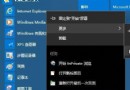
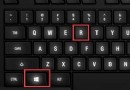
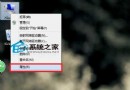
Win10 應用商店未登入帳號、小娜提示「暫時無法使用興趣」或「離線狀態」,常因 UWP 應用註冊損毀。以下為 PowerShell 修復指令:
powershell → Ctrl+Shift+Enter (以系統管理員身分執行)。Get-AppXPackage -AllUsers | Foreach {Add-AppxPackage -DisableDevelopmentMode -Register "$($_.InstallLocation)\AppXManifest.xml"}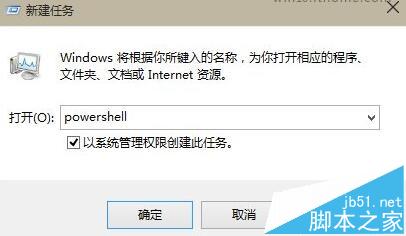
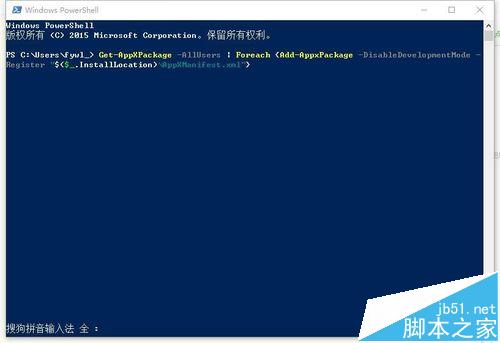
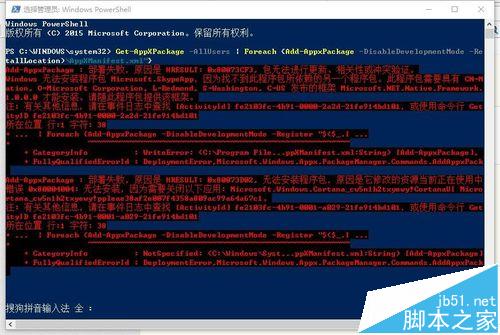
指令遍歷所有使用者的 UWP 應用套件,重新註冊其 AppXManifest.xml,修復損毀的應用程式資訊清單與註冊資料,相當於「重裝」所有內建 UWP 應用但保留使用者資料。
Win7 網頁驗證碼圖片不顯示?IE 安全性設定調整 + 清除快取徹底解決
Win8 安裝軟體提示「需系統管理員身分」?啟用內建 Administrator 帳號解決
Win10 周年更新 SDK 釋出:Windows Ink、Cortana API、Windows Hello 三大核心新增 API 供 UWP 開發者接入
Windows 7/8.1 如何移除持續彈出的 Windows 10 免費升級提示?卸載 KB3035583 更新
Windows 8開機自動進入桌面設定教程:利用計劃任務實現
WinXP IE 首頁被竄改怎麼辦?電腦管家掃毒清理外掛與鎖定首頁完整教學