電腦故障無法開機時,360 急救盤可協助修復:
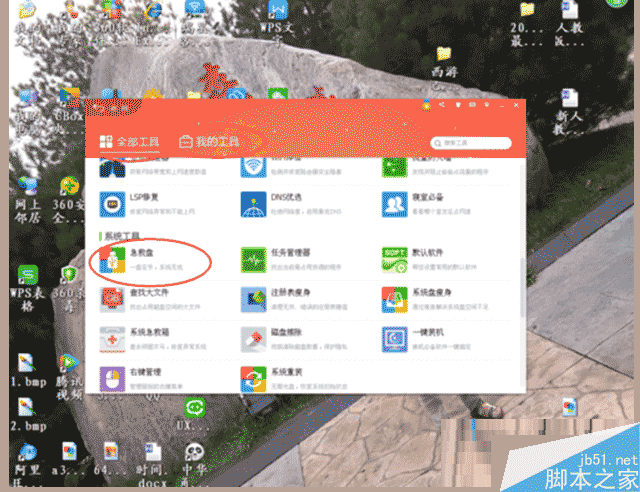
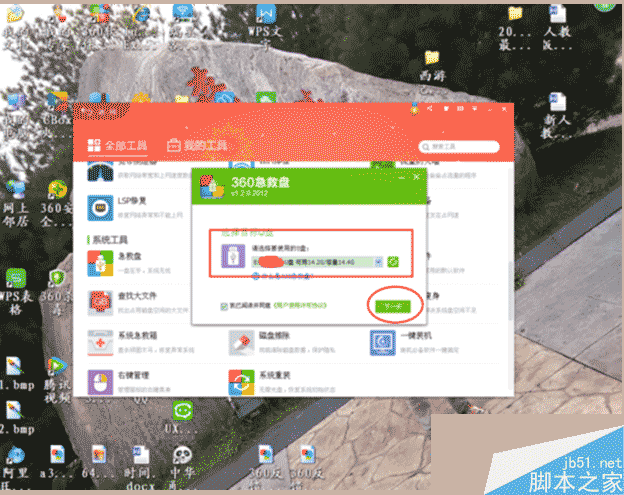
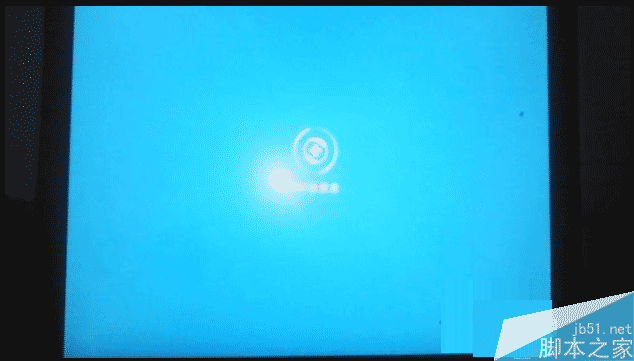
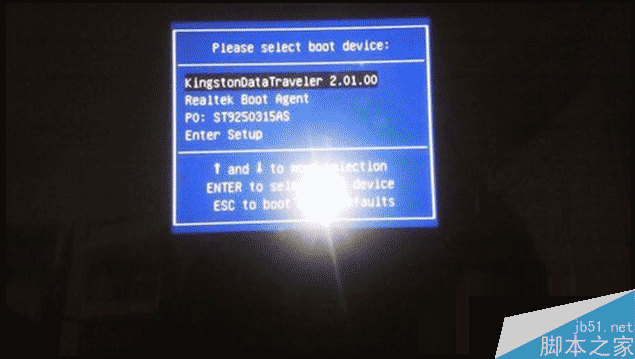
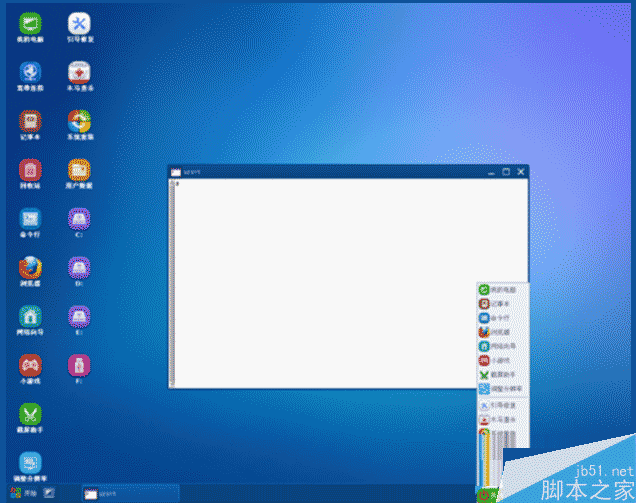
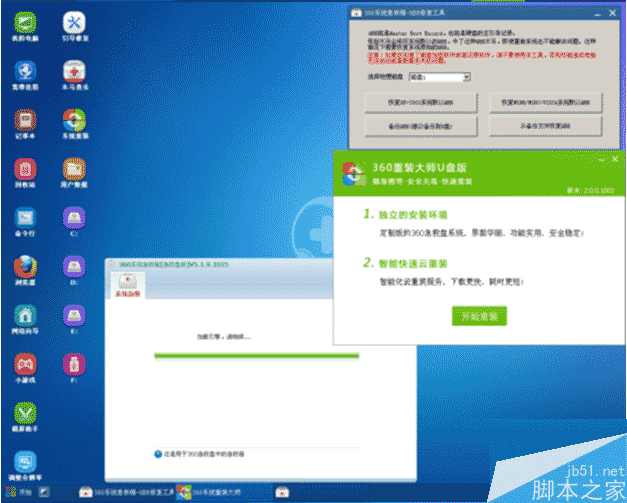
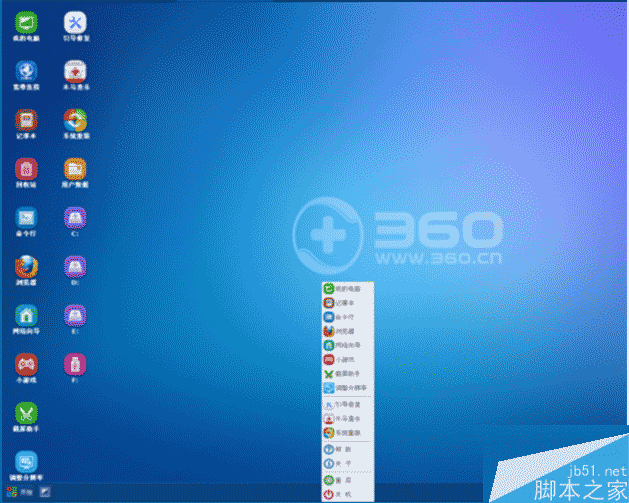
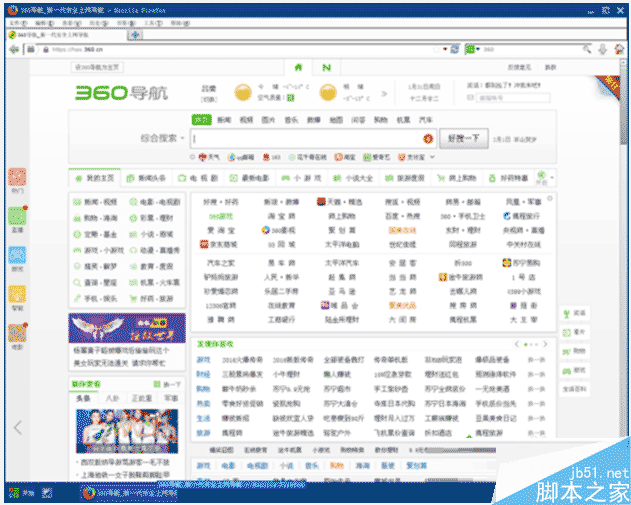
筆電遇到無法解決故障時,360 急救盤是不錯的修復工具。
Windows Update 驅動程式更新導致 FTDI USB 轉序列晶片裝置變磚:仿製晶片被寫入無效 PID
Win7 旗艦版設定開機密碼提示「Windows 無法變更密碼」?取消使用者無法變更密碼限制
Win10 開啟檔案提示「檔案系統錯誤 -2147416359」?一鍵修復 Windows License Manager 服務
Win10 Build 10532 釋出:右鍵選單現代化、Feedback 分享、EdgeHTML 強化,但 64 位 Chrome 崩潰、Windows Hello 失效
Win10 應用程式商店打不開、閃退、錯誤 0x80072EFD 完整解決方案