故障分析:可能是系統相關服務未開啟導致。
解決方法:
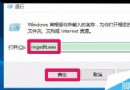
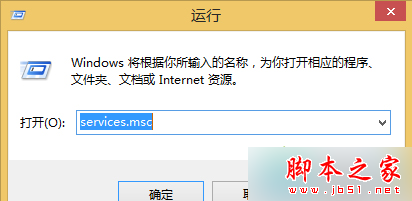
- 按 Win+R 輸入
services.msc 回車,若彈出用戶帳戶控制點「繼續」。
- 找到並雙擊 Background Intelligent Transfer Services 服務。
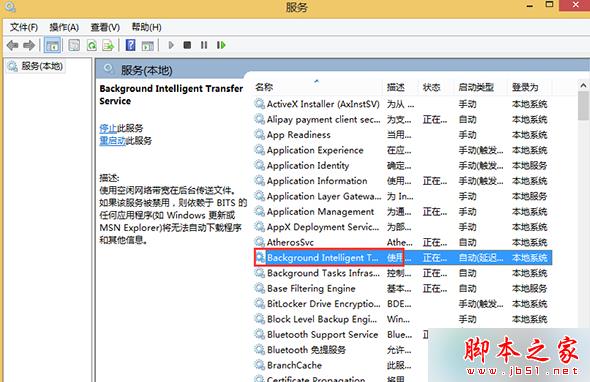
- 「常規」頁籤確保「啟動類型」為「自動」或「手動」,點「啟用」按鈕。
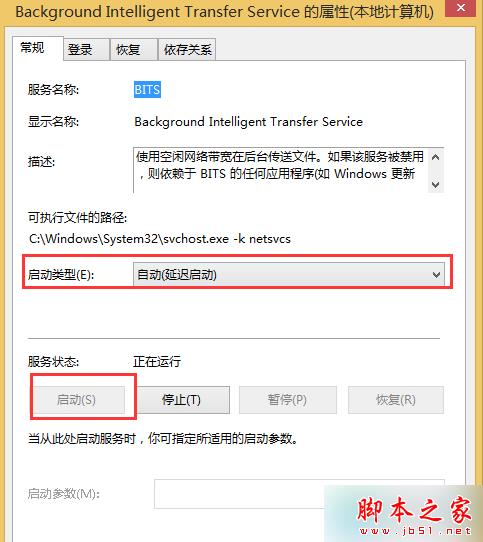
- 同樣步驟啟用 Windows Installer、Cryptographic Services、Software Licensing Service、Windows Update 四項服務。
以上就是 Win8.1 升級 Win10 到 99% 報錯 80240031 主因服務未開啟,按上述方法重新啟動服務即可正常升級。