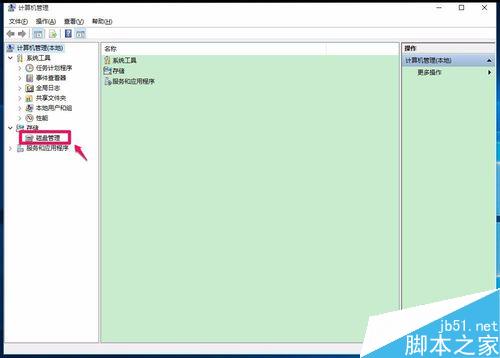
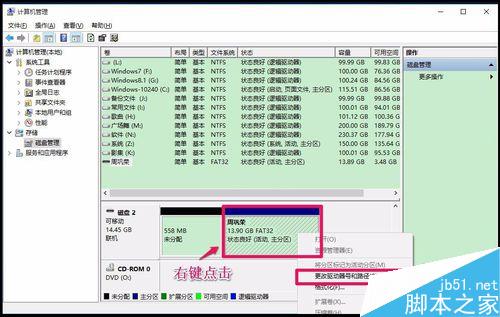
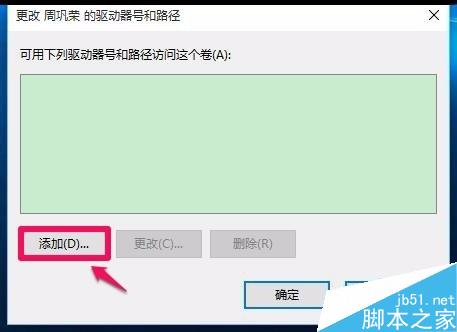
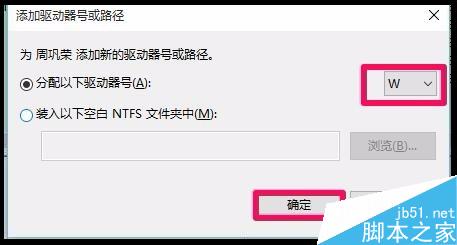
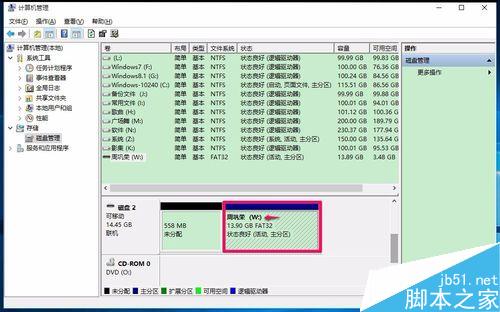
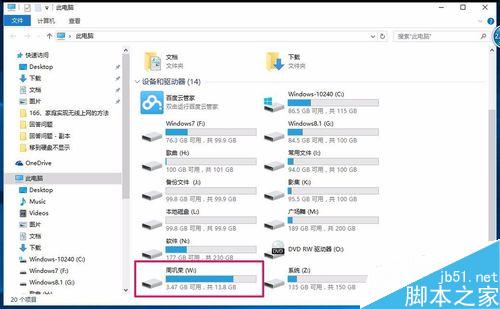
Win10 插入 USB 行動硬碟卻不顯示盤符,解決分兩步驟:
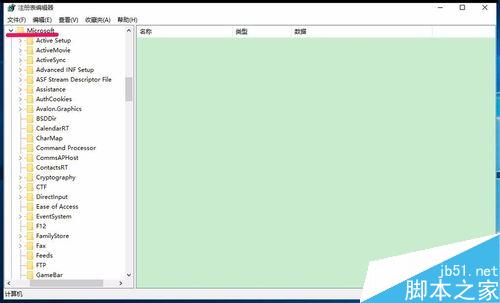
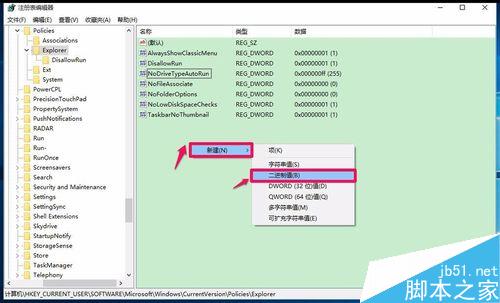
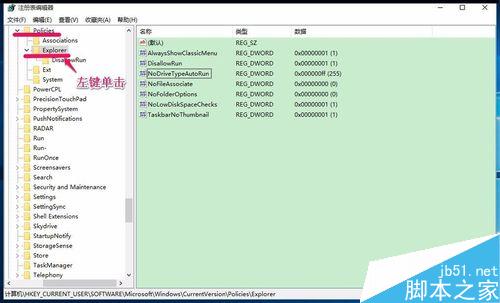
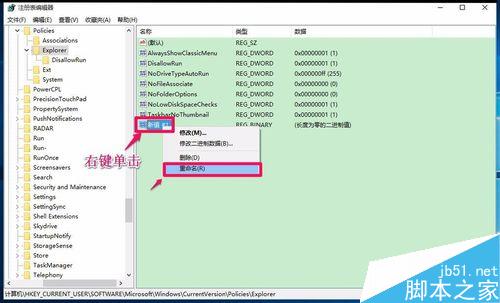
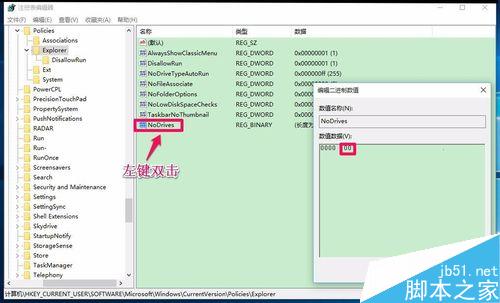
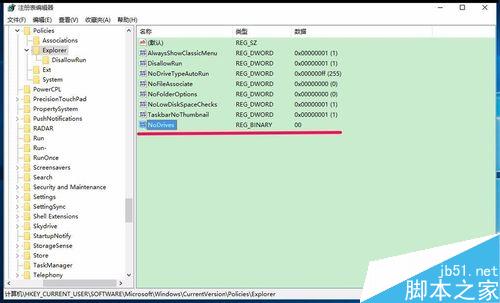
regedit,瀏覽至 HKEY_CURRENT_USER\Software\Microsoft\Windows\CurrentVersion\Policies\Explorer,右鍵新增二進位值命名 NoDrives,數值資料設為 0。文章附完整註冊表編輯與磁碟管理操作截圖,步驟詳細,適用同樣問題使用者參考。
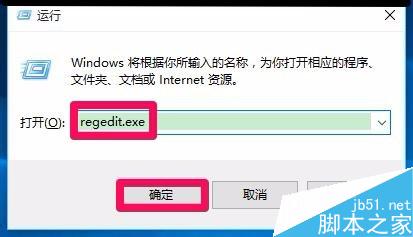
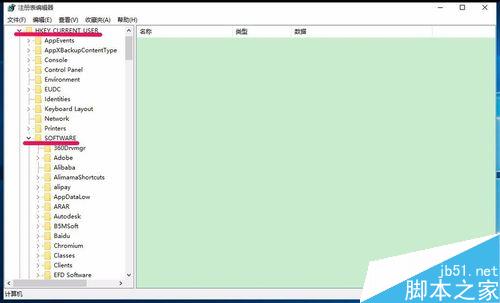
使用 WinPE 從硬碟安裝 64 位元 Win7 系統完整教程:無需光碟/USB
Windows 10 OEM 版零售價曝光:家庭版 109 美元、專業版 149 美元,出貨日 8 月 31 日
Win7寬帶連線錯誤 629 解決辦法:啟用路由與遠端存取服務
提升 Windows 7 雙核 CPU 開機速度:啟用多核心並行啟動
Win10 Mobile/PC 15014 已知問題彙總與解決方案:Spectrum 服務、storport.sys、音訊、驅動、Edge、遊戲等完整列表
Win7 如何停用 135 和 456 連接埠防止駭客入侵?登錄檔設定教學
Win7/8.1 企業訂閱用戶再享免費升級 Win10:Windows 10 Enterprise E3/E5 訂閱權益