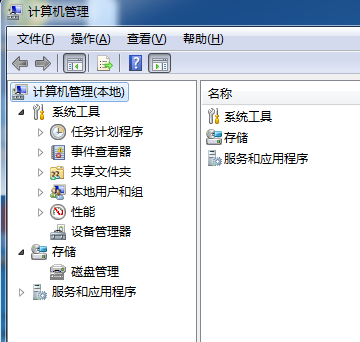
regedit 開啟登錄檔編輯器。HKEY_LOCAL_MACHINE\SYSTEM\CurrentControlSet\Services\NetBT\Parameters。SMBDeviceEnabled。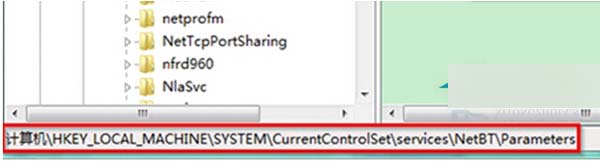
SMBDeviceEnabled,數值資料改為 0 → 確定。完成後重新開機生效,可阻擋利用 135/456 連接埠的駭客攻擊。
【影片】Windows 10 Build 10108 實測:3D 動態磚貼更流暢、設定頁面微調
Lumia 525 升級 Win10 Mobile 10586.11 實測體驗:流暢度大幅提升,續航可達一天
Windows RT 8.1 Update 3 如何搶先手動更新?帶回開始選單與鎖畫面新功能
微軟 Win10 免費升級倒數:7/29 截止,升級提示改全螢幕強勢彈出
Win7 筆電開啟虛擬 WiFi 熱點共享上網:netsh 指令建立託管網路、ICS 共享、啟動熱點
Windows 10 系統貼靠功能怎麼用?Snap 視窗佈局操作教學