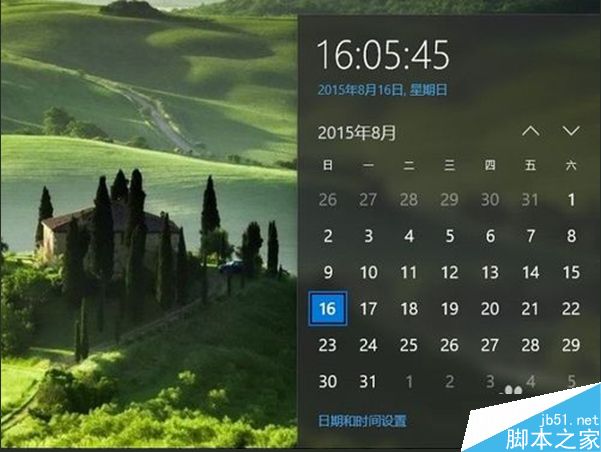
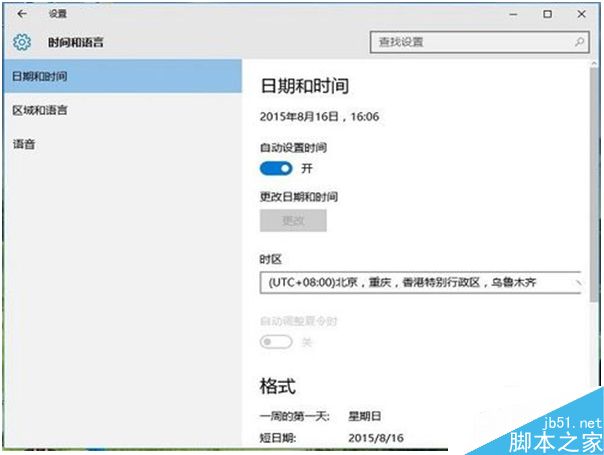
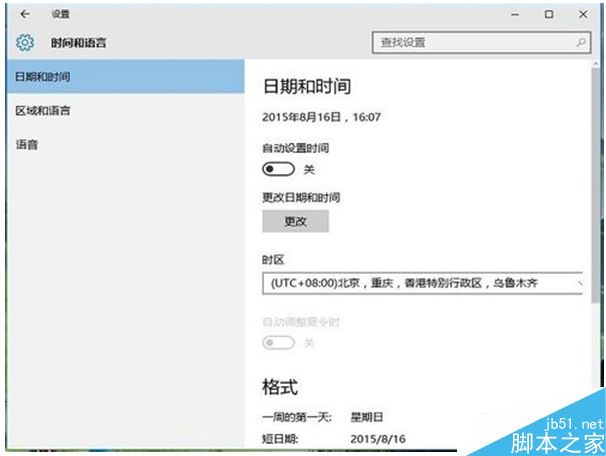
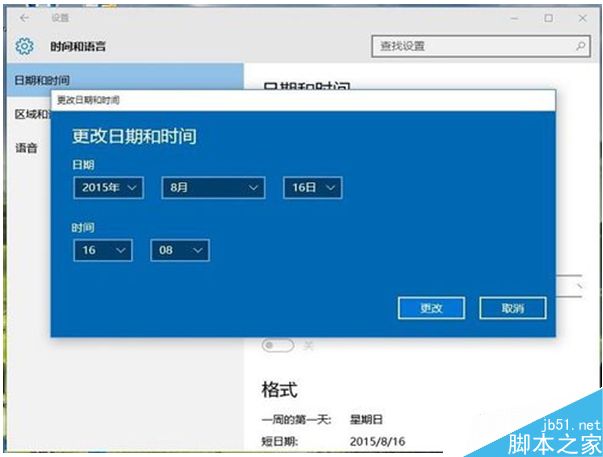
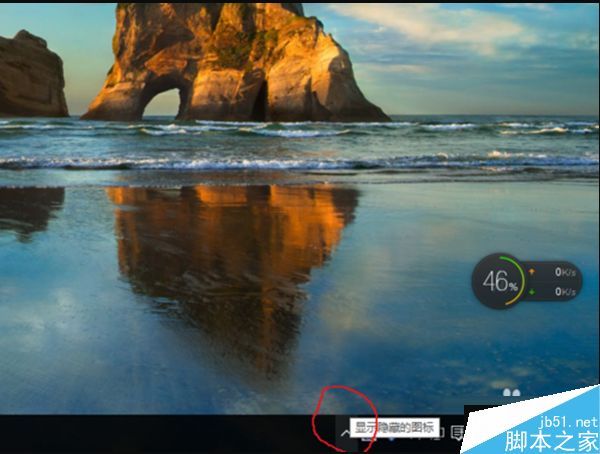
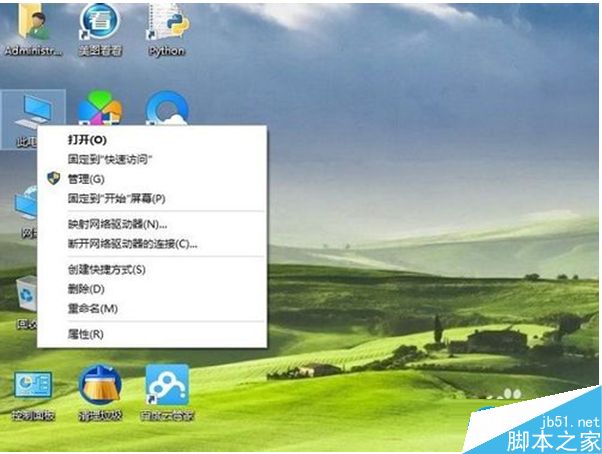
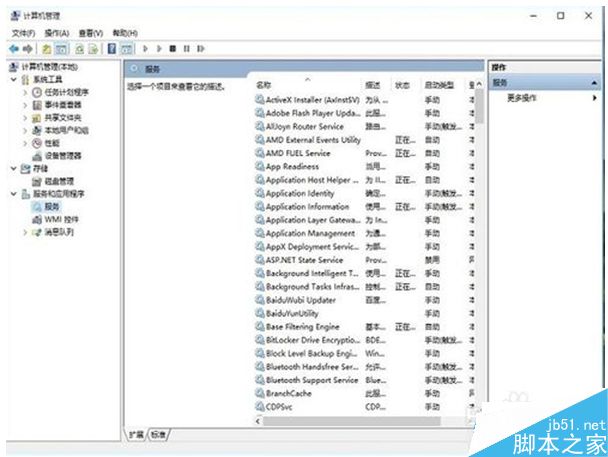
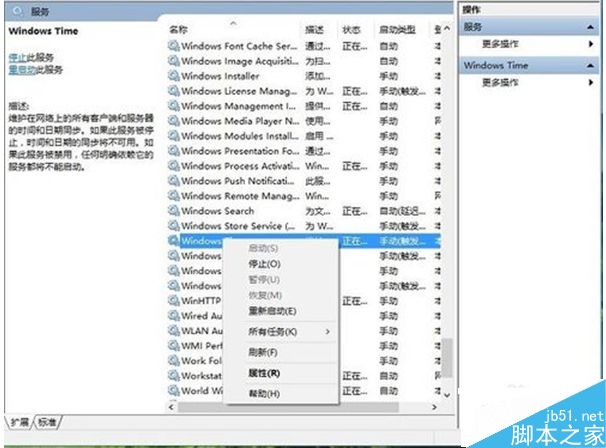
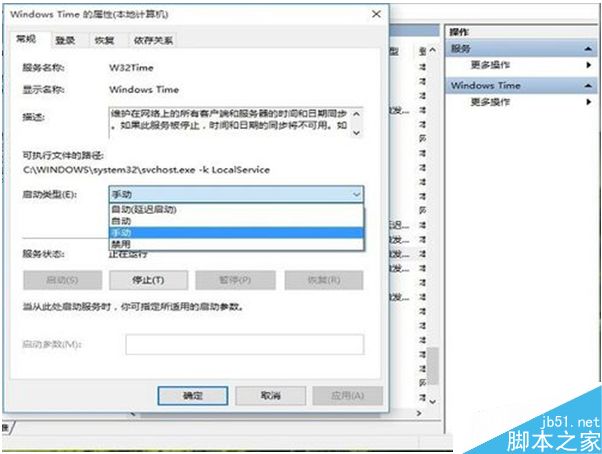
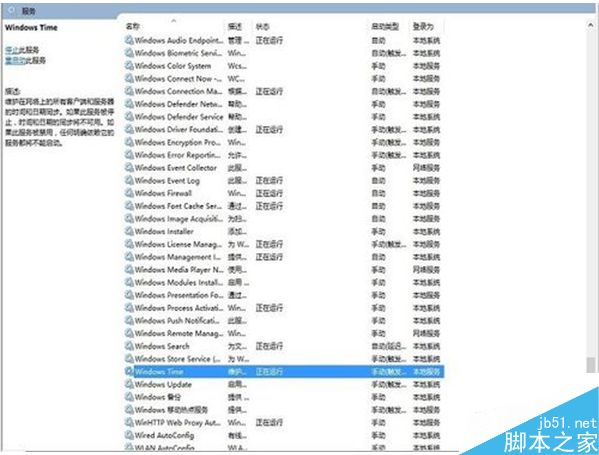
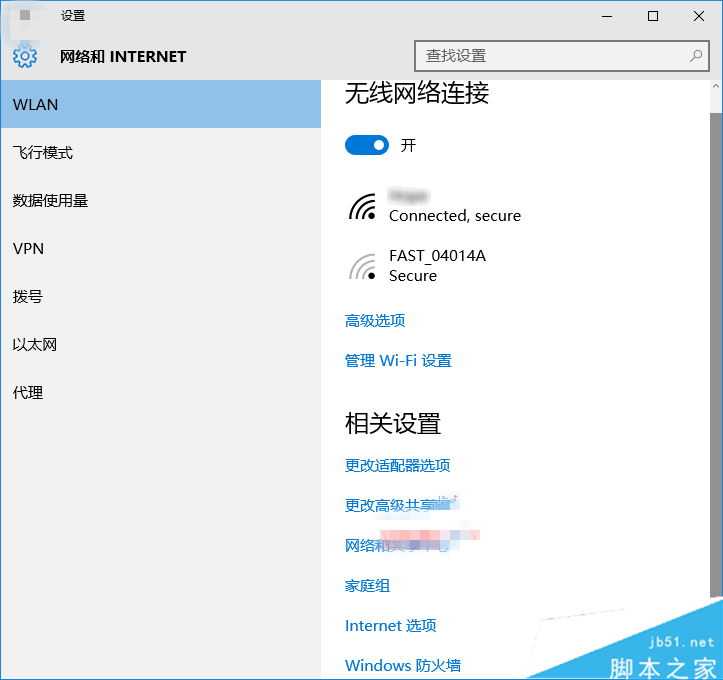
Win10 調整日期時間步驟:
建議保持自動對時開啟,僅在離線環境或特殊需求下手動調整。
Win7 工作管理員不顯示進程分頁?雙擊邊框一秒恢復
Windows 10 10159 升級到 10162 完整教學:簡化為三階段,約 30 分鐘完成
Win7 開機藍屏 STOP: c000021a Fatal System Error?五大排查方案:磁碟修復、MBR 修復、NT Boot Autofix、硬碟檢測、更換硬碟
Win10 更換登入介面為命令提示字元風格:註冊表 ConsoleMode=1 一鍵切換
Win7 如何解除安裝 IE8?用金山衛士軟體管理一鍵移除
Windows XP 磁碟分割完整攻略:內建磁碟管理與 PQMagic/PartitionManager 進階工具實戰
Windows 7 顯示隱藏檔案完整圖解:兩步驟快速設定(含 XP 差異說明)
Windows XP 不再安全:Qbot 木馬感染 50 萬裝置竊取 80 萬銀行憑證