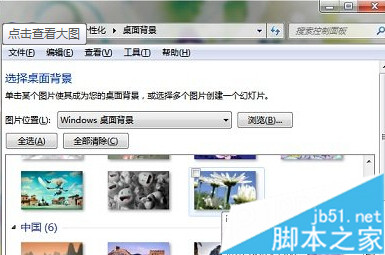
許多使用者習慣上網下載桌布、主題,其實 Windows 7 早已內建多組高品質桌布與主題,不需額外下載即可美化桌面。本文教你快速找到並套用這些隱藏資源。
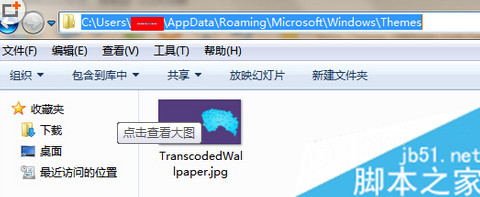
C:\Users\使用者名稱\AppData\Roaming\Microsoft\Windows\Themes
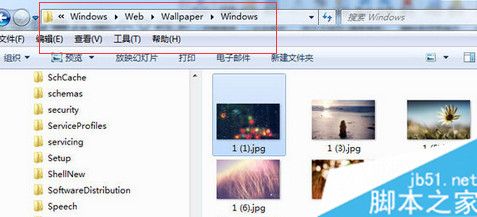
C:\Windows\Web\Wallpaper
C:\Windows\Resources\Themes
Win8.1 取得 Windows 體驗指數(WEI)評分:命令列 winsat 與軟媒魔方兩種方法
Win8 安裝中文語言包完整教學:從英文介面切換至簡體中文
Win10 任務列隱藏時鐘教學:三種方法自訂系統托盤
Win10 正式版無法安裝字體、防火牆啟動失敗怎麼辦?三種解決方案完整教學
Win10 關閉插入耳機彈出 SmartAudio 提示教學
Win8 備份登錄完整圖文教學,匯出 .reg 檔隨時還原
微软10月安全公告汇总:KB3097617等6项更新修复IE/Edge/Office/内核漏洞
Win7/8.1 免費升級 Win10 正確姿勢:必須從正版舊系統「升級」,不可全新安裝