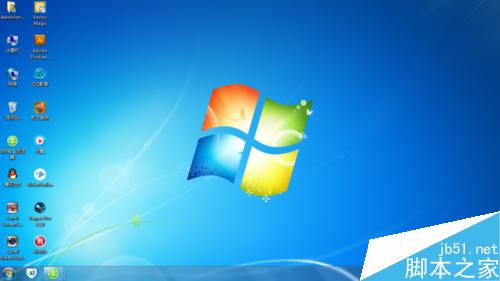
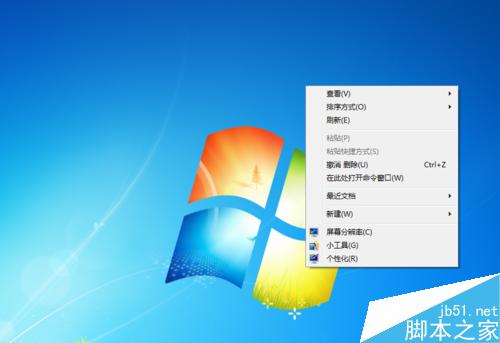
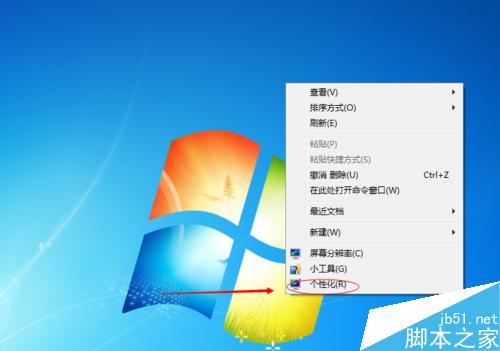
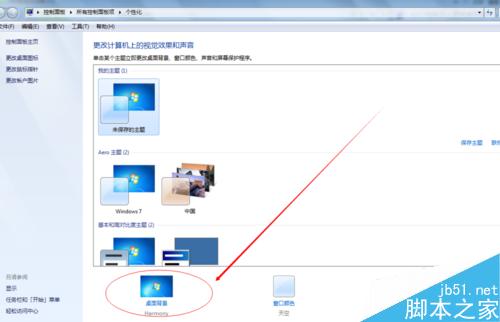
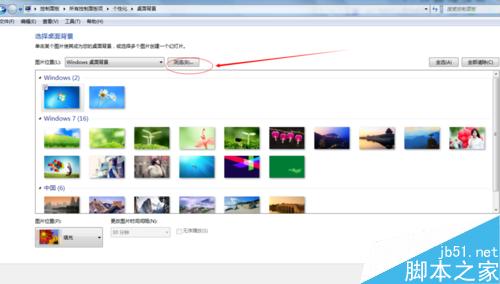
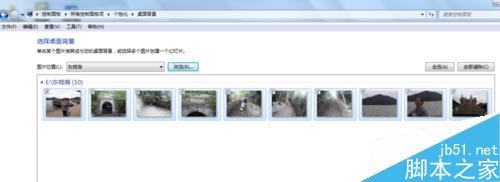
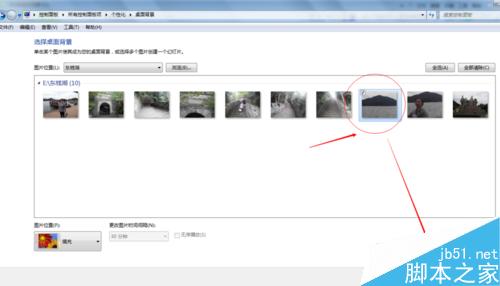
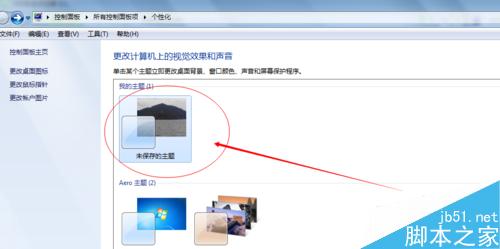
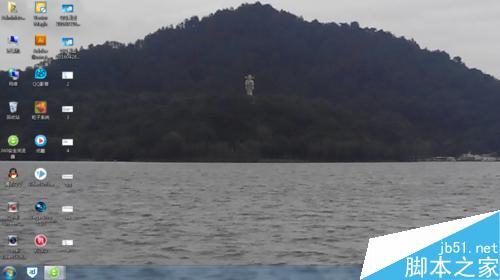
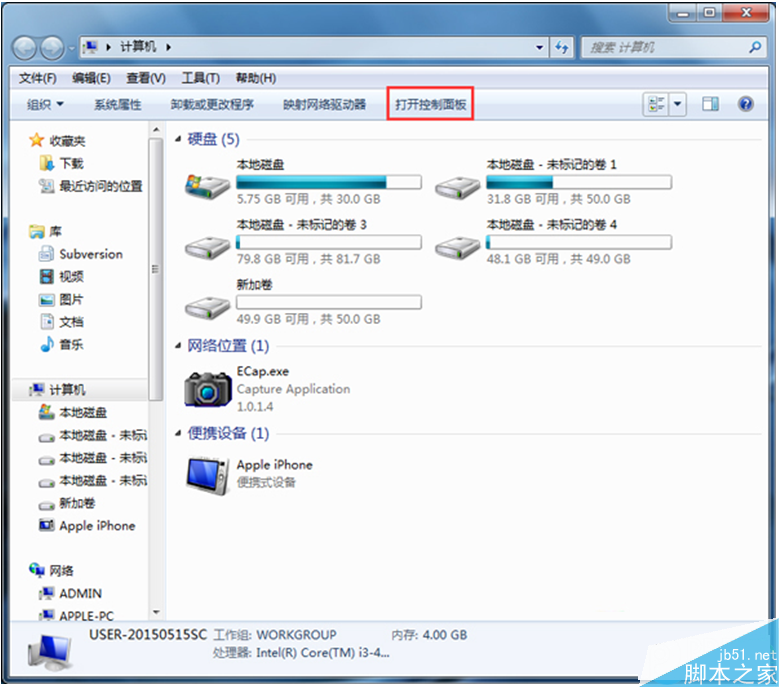
Win7 更換桌面壁紙標準四步走,適合新手快速上手。操作路徑固定,無版本差異。
reg add "HKCU\Control Panel\Desktop" /v Wallpaper /t REG_SZ /d "D:\Wallpaper\my.jpg" /f && RUNDLL32.EXE user32.dll,UpdatePerUserSystemParameters
全新安裝 Win10 卡在「安裝程式正在啟動」?磁碟分區表轉 MBR 即可解決
Windows 10 RTM 開發者入門全球直播:8 月 12、13 日晚間 23:00 鎖定 Channel 9
Windows Server 2012 DHCP 容錯移轉完整部署教學
Windows 無法啟動 WLAN AutoConfig 錯誤 1068?修改登錄檔 Ndisuio 服務啟動類型為 2 解決
Windows 10 build 10240 再收安全更新 KB3074683
Win10 調整鍵盤靈敏度(重複率/延遲)註冊表修改教程
Win10 玩 LOL 藍屏、閃退、卡頓怎麼辦?四大解決方案
如何安裝 Win10 正式版?原版 ISO 解壓安裝完整教學(含格式化 C 槽)