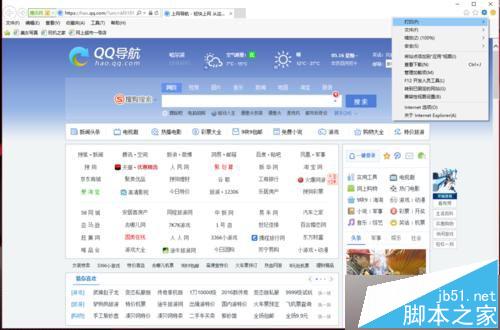
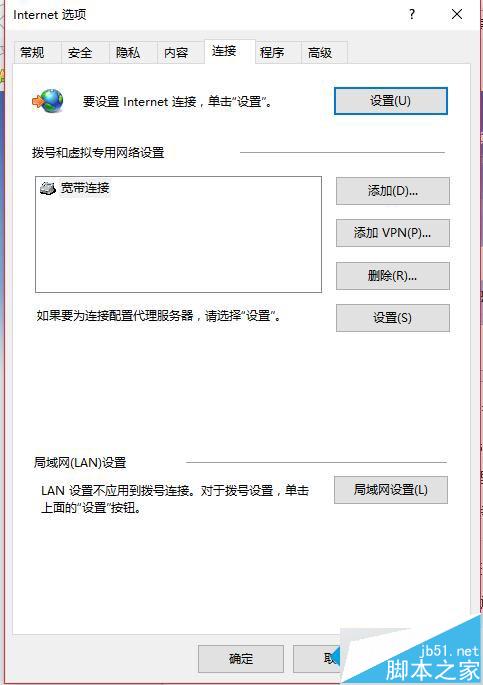
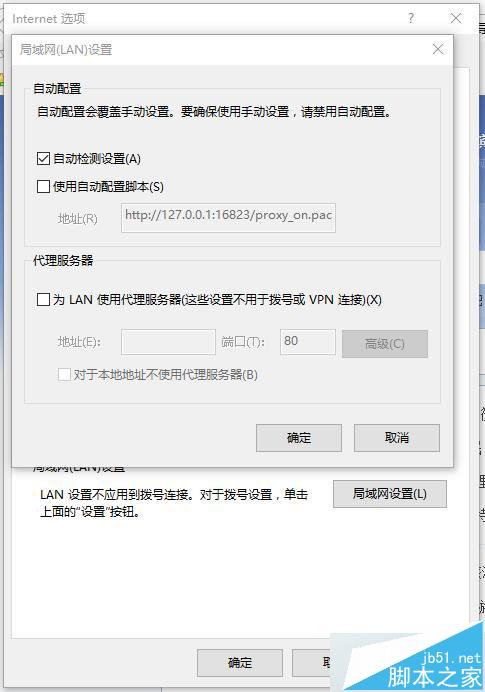
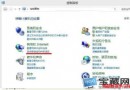
Windows 10 內建瀏覽器 (Edge/IE) 無法連線網頁,但其他瀏覽器正常。常因「區域網路 (LAN) 設定」誤勾選「使用自動設定腳本」導致。改為勾選「自動偵測設定」即可恢復連線。
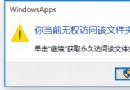
此設定錯誤也會導致應用商店、系統更新等系統級網路功能失效。修正後所有內建網路功能同步恢復。
Win8 光碟機插入光碟無反應?從硬體排查到軟體修復完整指南
Windows 10 永久停用驅動程式強制簽章驗證:一行 BCDEdit 指令即可完成
Windows 10 Build 10166 正式推送:允許透過商店購買 Wi-Fi 服務
Win8.1 工作管理器變灰色無法開啟?群組原則修復法
Win10 Build 10036 大量截圖曝光:半透明開始選單、新登入 UI、仍無 Spartan 瀏覽器
Win10 修改 hosts 檔案無法儲存?取得完整權限 (Take Ownership + Full Control) 徹底解決
Win10 登入畫面背景修改工具 Windows 10 Login Changer 0.6 下載與使用教學
Windows 8 應用商店找不到 QQ?「最熱免費」首頁第一項即是 QQ for Win8 版