Windows 10 內建大量應用程式與服務,針對個人需求移除未用組件可精簡系統、釋放資源。
一、冗餘應用程式一鍵移除
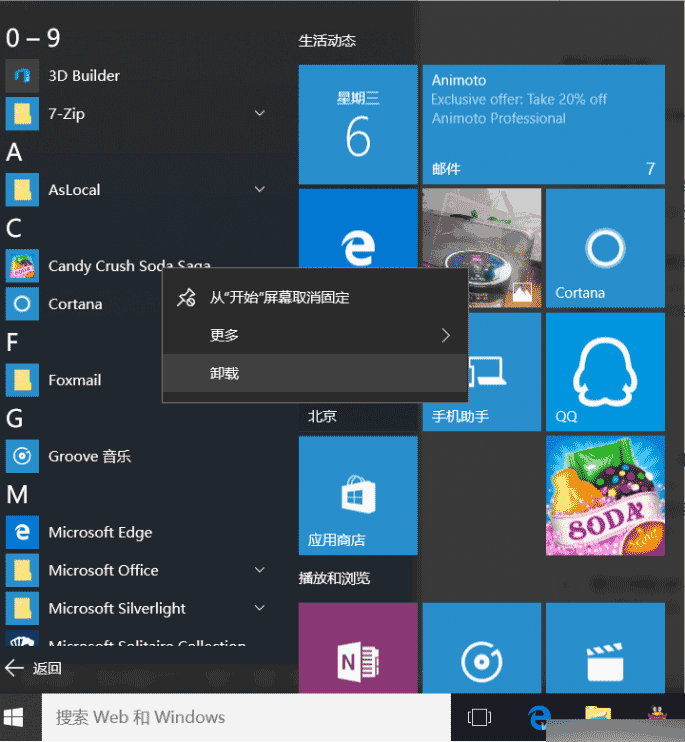
- 開始選單右鍵應用程式 →「解除安裝」 (適用使用者自行安裝及部分系統應用)。
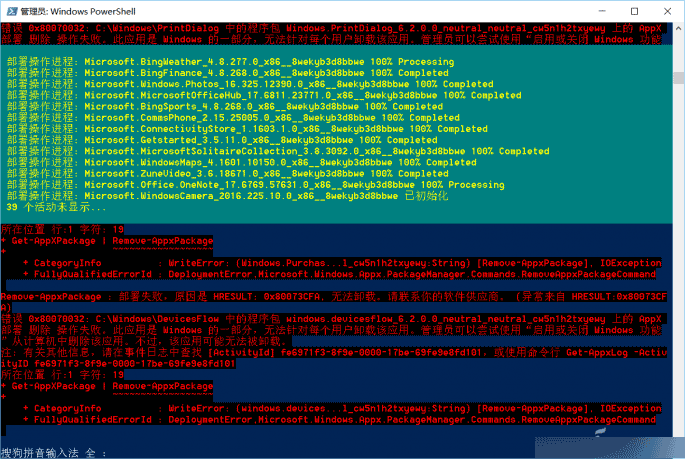
- 內建系統應用 (如 Xbox) 無解除安裝選項,需以管理員身分開啟 PowerShell 執行:
Get-AppxPackage *應用程式名稱* | Remove-AppxPackage
二、多餘服務一鍵關閉
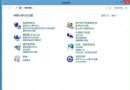
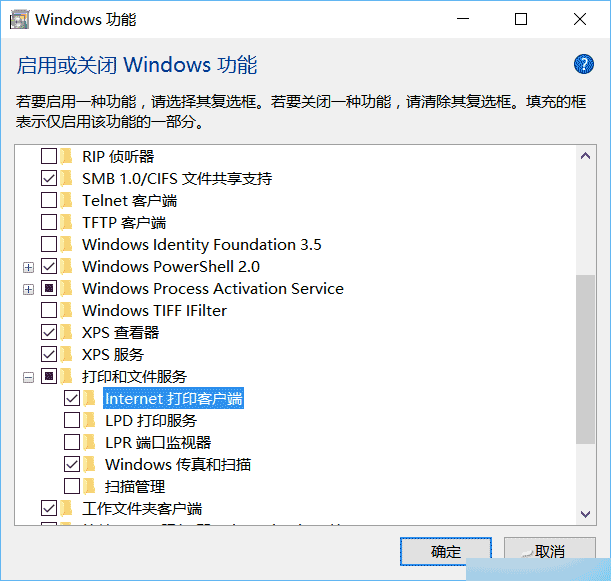
- 控制台 →「程式」→「啟用或關閉 Windows 功能」。
- 依需求取消勾選不需組件 (如無印表機可關閉「列印與文件服務」) → 確定重開機。
三、專業工具深度精簡
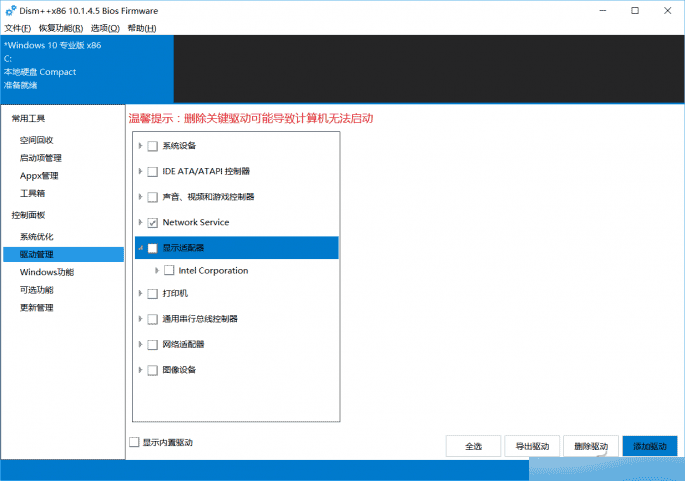
- 使用 Dism++ 清理冗餘登錄、過期驅動、WinSxS 暫存檔等。
例:切換「驅動程式管理」勾選需移除驅動 →「移除驅動程式」。
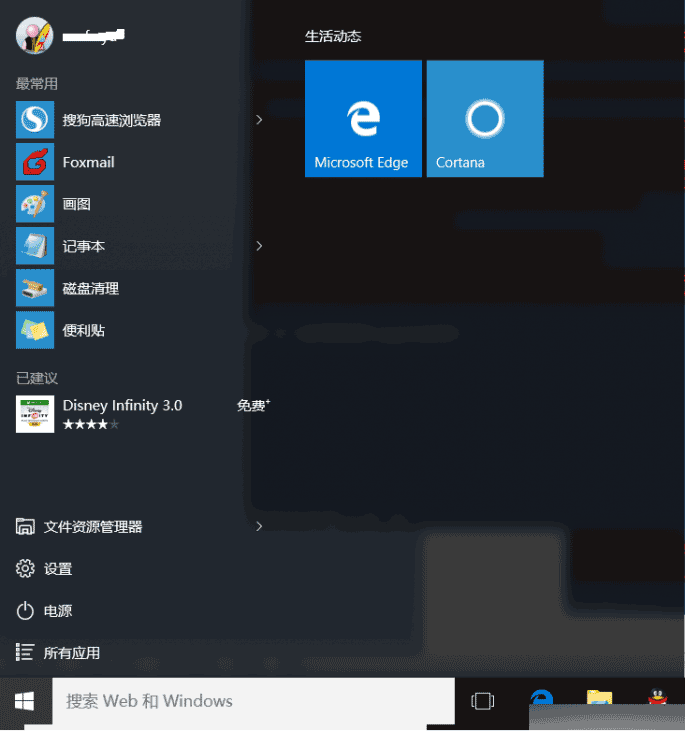
精簡後開始選單更清爽,系統資源佔用降低,需用時可從 Microsoft Store 重新安裝。