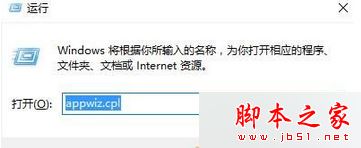
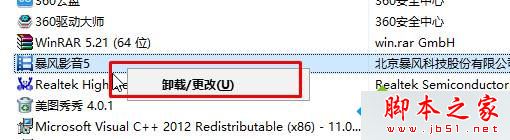
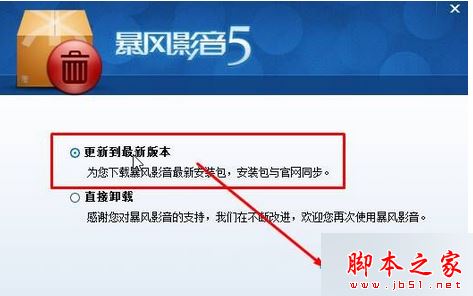
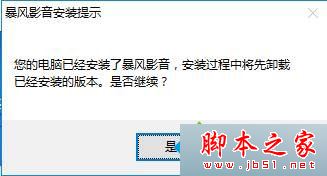
Windows 8 使用暴風影音 5.57.0202.1111 版播放影片時,若出現錯誤代碼 40601 且無法自動播放下一集,屬於該版本已知 Bug。官方已在新版修復,只需透過內建更新功能升級即可。
appwiz.cpl
更新完成後,暴風影音即可正常自動播放下一集,錯誤 40601 徹底解決。
Win10 更換桌面主題與背景個性化:內建主題、線上下載、自訂幻燈片
Win10 TH2 更新後開始功能表、Cortana 出現關鍵錯誤?Dropbox 衝突與建立新帳號兩大解法
Windows 7 BitLocker 磁碟加密完整圖文教學:保護資料安全
Windows 7/8 安裝新硬體如何跳過 Windows Update 直接安裝驅動程式?完整教學
Win10 如何調整桌面圖示下方文字大小?
使用盜版 Win10 體驗如何?桌面水印提示未授權、無完整安全更新、微軟推轉正優惠
Win10 Build 9879 更新內容全面匯總:八大新功能與改進詳解
Win10 喚出 Charms 列 (超級按鈕) 操作指南:Win+C 快捷鍵