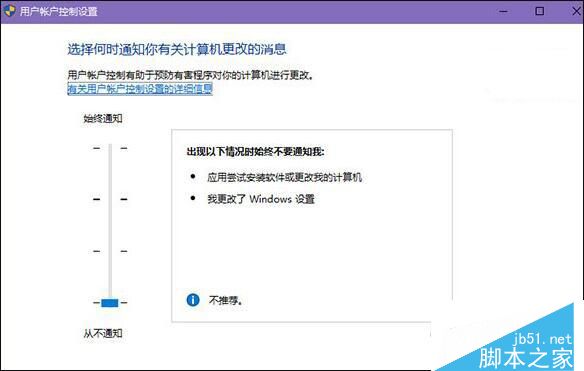
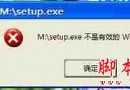
Win10 14393 更新後安裝程式彈出 UAC 卡死,若使用微軟輸入法可嘗試以下方案。
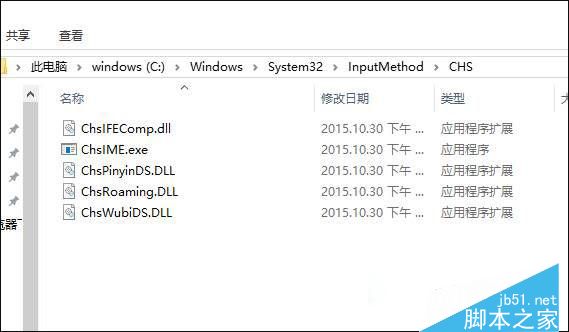
C:\Windows\System32\InputMethod\CHS
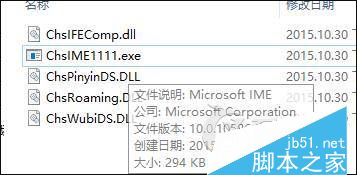
ChsIME.exe
若不使用微軟輸入法,可在輸入法管理器中直接移除微軟輸入法解決。感謝閱讀!
Windows 10 Build 9926 開始選單與開始畫面深度體驗:全螢幕模式、平板模式與透明效果
Win7 開始選單加入「下載」連結,一鍵直達下載資料夾
Windows 7 執行軟體提示 comdlg32.ocx 註冊失敗?下載註冊修復教學
Win7/Win8.1/Win10 修改使用者登入名稱與顯示名稱完整教學
Win10 怎麼知道上次是關機、休眠還是快速啟動?一條 PowerShell 指令查詢開機類型
微軟官方短網址工具 Short.y 上架 Win10 應用商店
Windows 7 自製「系統重設」與「系統重整」功能:模擬 Win8 內建還原機制完整教學
Win7 關機提示「磁碟機沒有磁碟」?停用空白可移動磁碟機即時修復