Win7 64 位元執行軟體彈出 360se.exe - 損壞的映像,提示 DLL 未指定在 Windows 上執行或包含錯誤。主因系統 DLL 註冊資訊損毀,用 CMD 批次重註冊所有 system32\*.dll 即可修復。
360se.exe - 損壞的映像
system32\*.dll
cmd
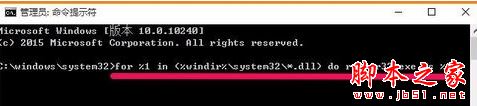
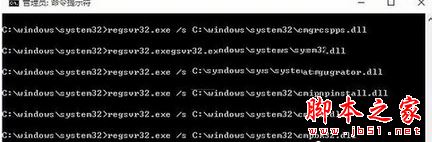
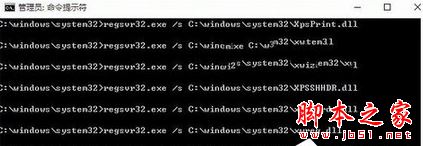
for %1 in (%windir%\system32\*.dll) do regsvr32.exe /s %1
同理可修復其他「損壞的映像」類錯誤。
Win7桌面回收站圖標消失?個性化設置一鍵找回系統圖標
Windows 英文版安裝中文語言包完整教程:解決百度顯示亂碼
WinXP 縮略圖顯示異常 (檔名不符圖片)?禁用 Thumbs.db 快取或重開資料夾即可解決
Win10 Build 9926 修改登錄啟用圓形使用者登入介面
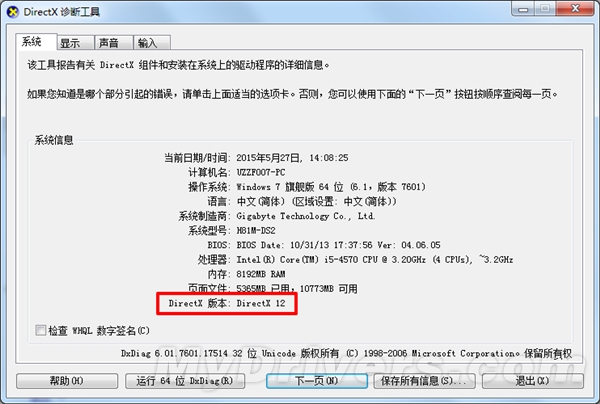
Win10 如何查看 DX 版本?升級 DX12 需顯卡支援完整教學
Win8 執行不相容舊程式:相容模式 + 管理員權限 + 重命名技巧
Win8/8.1快速啟動失效?電源選項「取消勾選→重新勾選」重置快速啟動狀態一鍵修復
Win7 開啟 Windows PowerShell 兩大法:開始搜尋法與附屬應用程式法