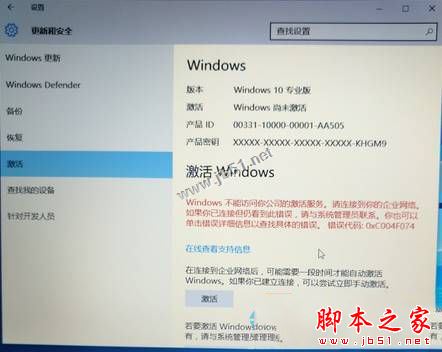
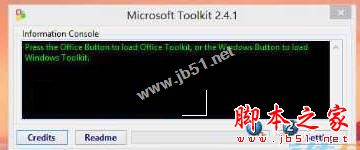
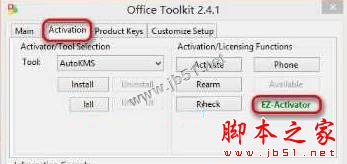
啟用 Win10 時出現錯誤代碼 0xC004F074:「Windows 無法存取貴公司的啟用服務」,主因為金鑰無效或 KMS 啟用環境異常。提供第三方工具 Microsoft Toolkit 進行 KMS 啟用修復。
Product Activation Successful
注意:本法僅供測試學習,正式環境請購買正版授權。
延伸閱讀:Win10 電話啟用教學 | Win10 已啟用仍彈出金鑰輸入視窗解法
Win7 《穿越火線》FPS 不穩定?五大解決方案提升幀率
Windows 10 正式版第二枚累積修復更新 KB3081436 內容彙總:修復 Edge/IE/.NET 等 6 大漏洞
XP 磁碟重組整理碎片:系統工具內建程式提升讀寫效能
Win8 如何修改 C 槽磁碟機代號名稱?登錄編輯自訂磁碟標籤教學
Win10 筆電開啟快速啟動仍開機慢?升級 Build 10240 映像 + 開啟「提供其他產品更新」多次重啟修復
Win10 藍牙鍵盤已配對但無法輸入?啟用服務勾選即可解決
微軟釋出 Win7/Vista 2015 年 11 月安全更新離線 ISO 映像檔 (KB913086, 3.9GB) 含 12 篇 KB、8 項安全公告
Windows 10 免費升級硬體條件與資格完整說明:XP/Vista/企業版不在免費名單內