Windows XP Windows 7 Windows 2003 Windows Vista Windows 綜合教學 Linux 系統教學
Windows 10 Windows 8 Windows 2008 Windows NT Windows Server 電腦軟體教學
您现在的位置: Windows教程網 >> Windows教程 >  >> Windows 綜合教學 >> 關於 Windows

解決 Windows 8 應用程式商店下載安裝錯誤的兩種方法

編輯:關於 Windows

Windows 8 應用程式商店下載應用程式時常出現安裝失敗、下載錯誤等問題,可能因網路中斷導致檔案不完整。提供兩種解決方案:使用官方診斷工具與清除商店快取。

使用 AppsDiagnostic 檢測電腦故障

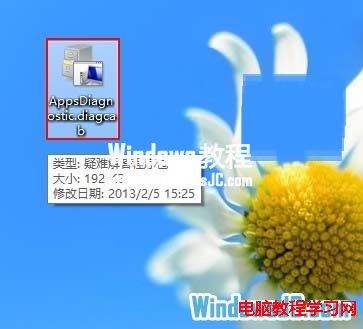
1、雙擊執行 AppsDiagnostic.diagcab。

2、點選「下一步」開始檢測。
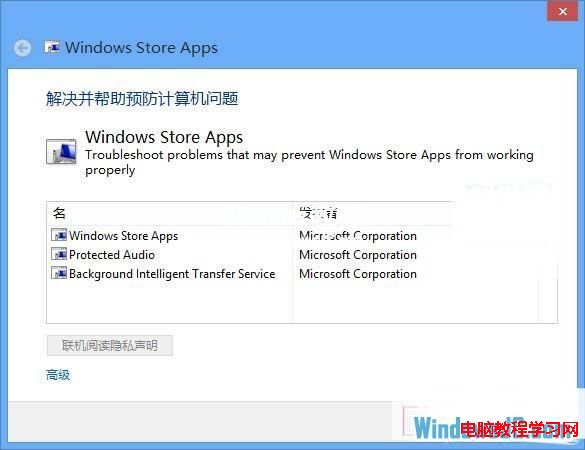
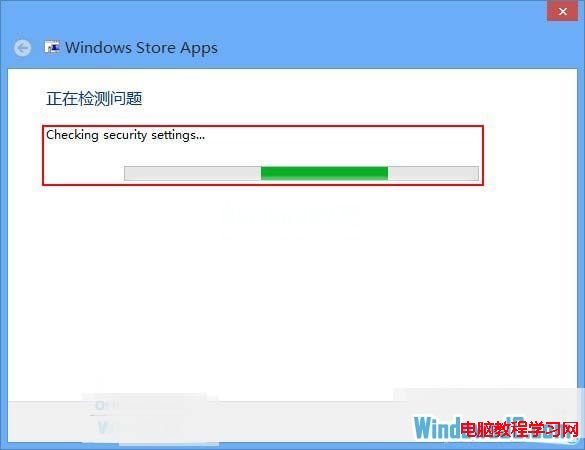
3、等待檢測完成。
4、若需重新啟動以套用修復,點選「下一步」。
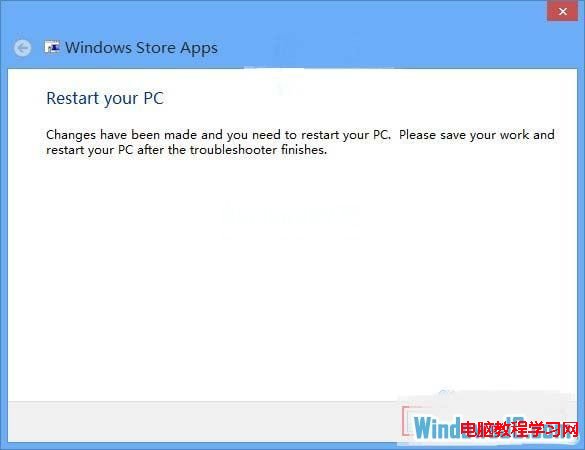
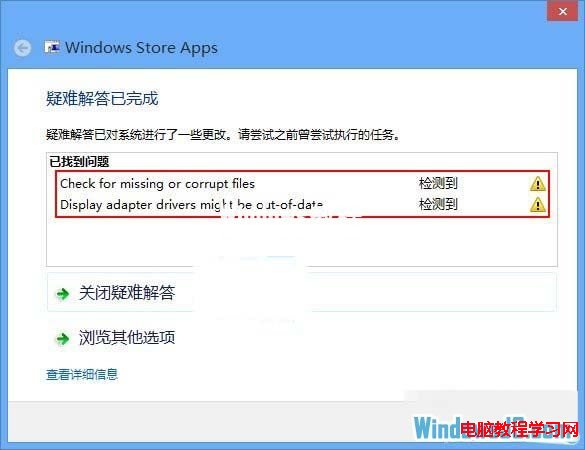
5、檢測結果可能提示需更新顯示卡驅動程式,可使用驅動程式更新工具升級後重開機再試。
清除商店快取

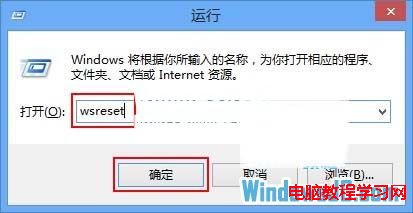
6、按 Win+R 輸入 wsreset 按下確定。

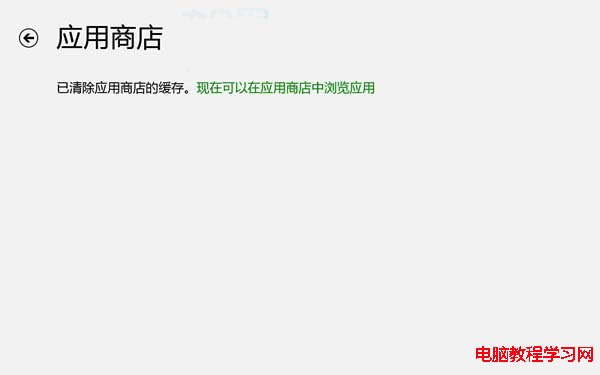
7、系統自動啟動應用程式商店並清除快取。
8、完成後即可重新下載安裝應用程式。
Copyright © Windows教程網 All Rights Reserved