Windows 7 預設啟動許多服務,部分對一般用戶非必要。透過「服務」管理工具停用不需要的服務,可縮短開機時間、降低記憶體佔用。
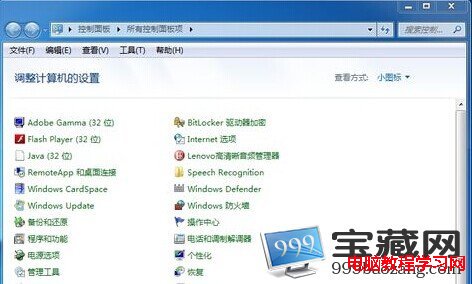
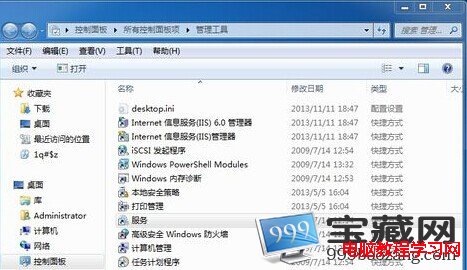
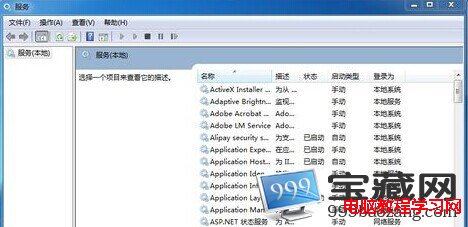
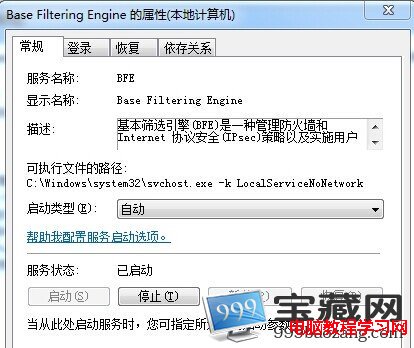
建議謹慎停用:僅停用確定不需要的服務(如無印表機停用 Print Spooler、不使用遠端桌面停用 Remote Desktop Services 等)。關鍵系統服務(如 Windows Update、DCOM Server Process Launcher)嚴禁停用,否則導致系統不穩。修改前建議建立還原點。
Win10 升級找不到 $WINDOWS.~BT 安裝檔案 錯誤 0x80240020 解決方案:複製隱藏資料夾離線安裝
Win10 10158 自製中文 ISO 鏡像下載(32位 + 64位)含安裝金鑰與雜湊驗證
Win10 開發者模式五步開啟:安裝非商店應用、側載測試 UWP 程式
Windows 10 Mobile Build 10149 多圖賞析:Edge 瀏覽器、手電筒、動態磚塊優化
Win10 開啟圖片提示「無效的登錄值」?兩招修復「照片」應用或重註冊所有 UWP 應用
Win10 IE11 輸入重複字元?關閉「實驗性 Web 平台功能」即可解決
Win10 如何加快開機與關機速度?msconfig 與登錄檔優化
Win10 10565 多图欣赏:Insider 滑块通道切换、Skype 集成、标题栏配色、Edge 标签预览、Cortana 记事本、右键菜单更新