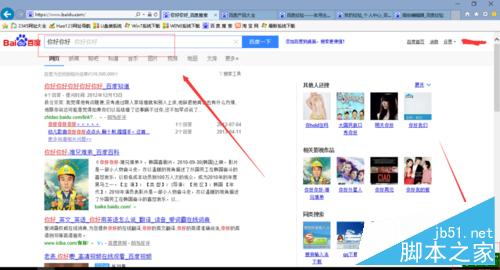
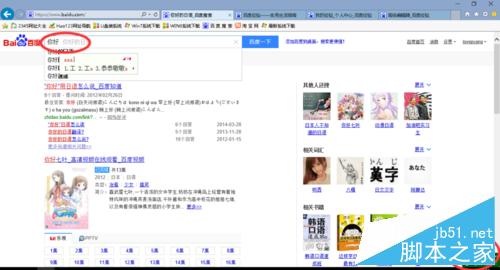
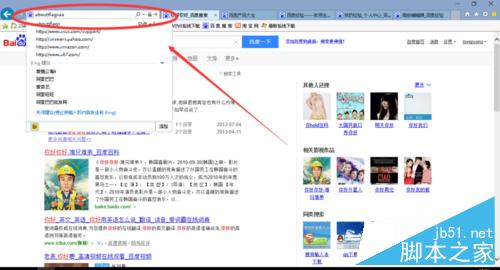
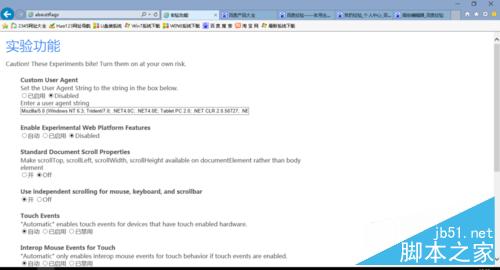
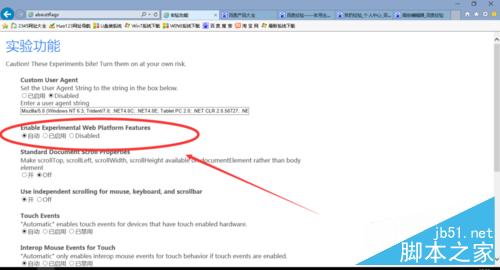
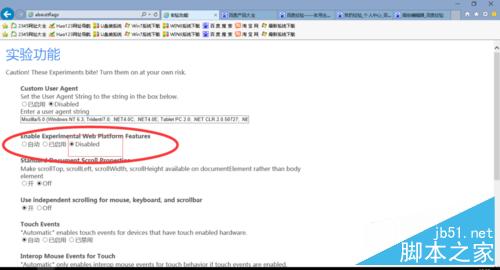
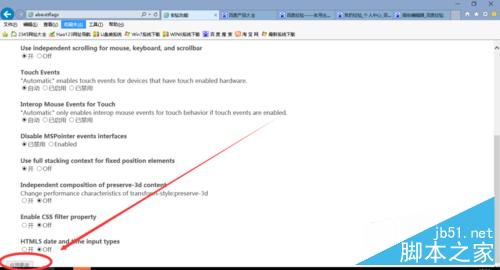
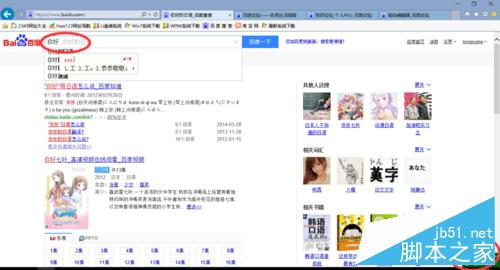
升級 Win10 後,IE11 在百度搜尋框輸入文字會出現重複字元(打一個顯示兩個)。原因在於 Spartan 核心的實驗性功能衝突,解決方法如下:
about:flags
此為微軟推廣新瀏覽器核心時的相容性問題,關閉實驗功能即可規避。
Windows 7 切換輸入法/大小寫鎖定發出提示音設定教學
Win8 安裝網路印表機完整圖文步驟:手動建立 Local Port 連線
Windows 7 家庭群組檔案共享完整設定教學:從建立到權限管理一步到位
盜版 Win7/Win8.1 升級 Win10 完美洗白教學:KMS 轉 Retail 永久激活指令
Win8 開啟/關閉 InPrivate 隱私瀏覽完整教學(含捷徑建立法)
Win10 主題背景變黑色?切換預設主題再切回即可修復
Win10 更新錯誤 0x80240016 解決:重啟 Windows Update 服務兩行指令搞定
XP 系統滑鼠游標變粗怎麼辦?調整輔助功能游標寬度即可恢復