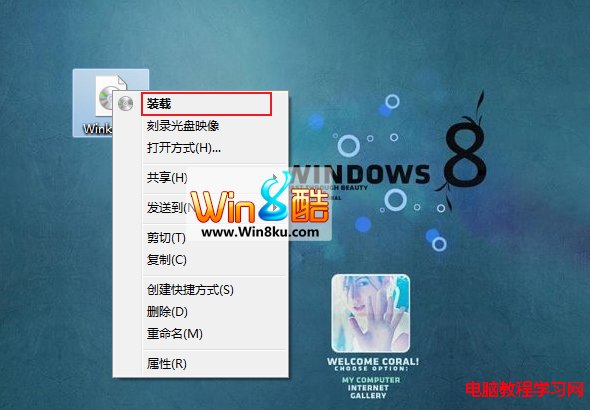
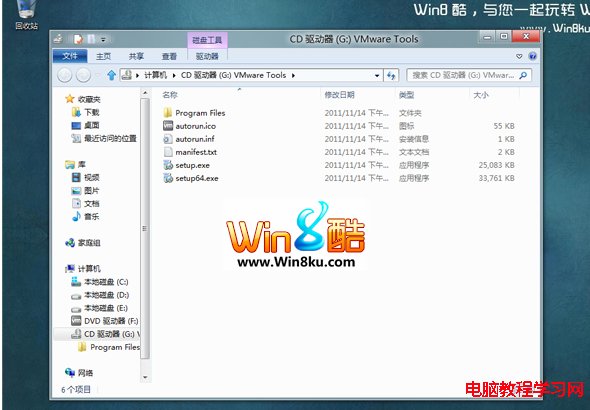
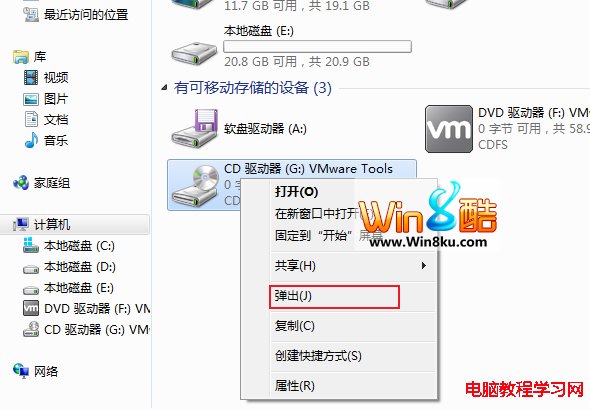
Windows 8 內建 ISO 掛載功能,無需 Daemon Tools、Virtual CloneDrive 等第三方軟體。操作極簡單:在總管中右鍵點選 .iso 檔案 → 選擇「掛載」 → 系統自動建立虛擬光碟機並開啟映像檔內容。用畢右鍵虛擬光碟機 → 「推出」即可卸載,避免虛擬光碟機無限增生。


如何取消預約的 Win10 免費升級?取得 Windows 10 App→左上角選單→檢視確認→取消預約
Windows 8 設定預設應用程式完整教學:檔案關聯、通訊協定、自動播放、預設程式控制台
預覽版用戶注意!這些 Win10 版本 10 月 15 日到期
Windows 10 開機提示「關鍵錯誤」解決:啟用 User Manager 服務
Win10 關閉通知中心圖示:任務列屬性 → 自訂通知區域 → 關閉系統圖示
Win10 累積更新 KB3132372 修復了哪些漏洞?整數溢位與十餘項遠端執行代碼缺陷