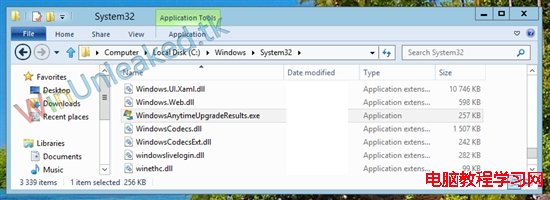
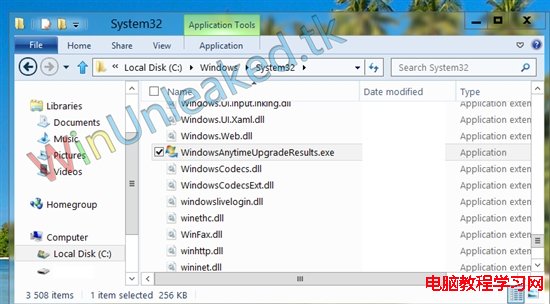
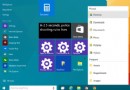
Windows 8 開發者預覽版與 Beta 版隱藏 Aero Lite Glass 視覺主題(半透明玻璃視窗邊框)。啟用方法:開啟總管進入 C:\Windows\System32 → 尋找並執行 WindowsAnytimeUpgradeResults.exe → 系統即套用 Aero Lite Glass 主題,視窗邊框呈現半透明磨砂質感,找回 Win 7 Aero 風格。
C:\Windows\System32
Win7 關閉自動磁碟重組服務圖文教學:釋放系統資源
利用 Windows PE 重設遺忘的 Windows XP/7 管理員密碼:深山紅葉 PE 工具箱實戰教學
Win10 Build 10134 64 位元簡體中文語言包下載 (附安裝教學參考)
Windows 8 查看電腦規格兩大法:電腦設定與 DirectX 診斷工具
Win10 群組原則開啟報「命名空間已被定義」錯誤?刪除 Geolocation WLPAdm.admx 徹底解決
IIS 6.0 快取策略配置圖解:全站禁用 + 特定副檔名/目錄啟用
Windows 10 換硬碟後仍能自動啟用?數位授權綁定硬體 ID 機制詳細解析
[視頻] Win10 10122 上手操作演示:新版開始菜單、Edge 瀏覽器變化詳解