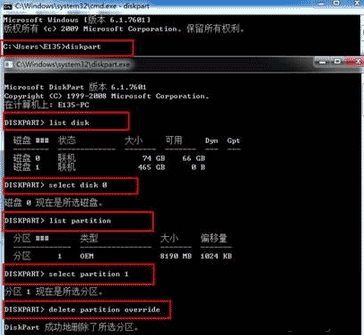
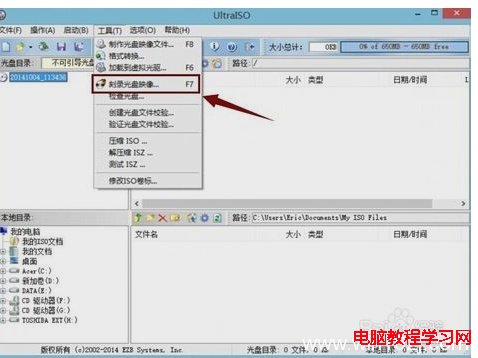
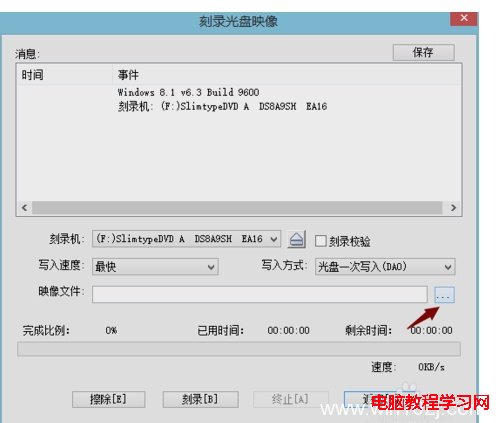
Windows 10 ISO 約 3-5 GB,需使用 DVD (4.7 GB 以上) 燒錄。Windows 內建燒錄功能介面簡陋,推薦使用 UltraISO (軟碟通) 圖形介面燒錄,支援驗證、速度調整、一次寫入模式。

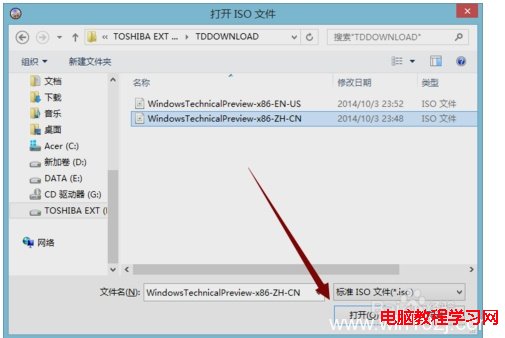
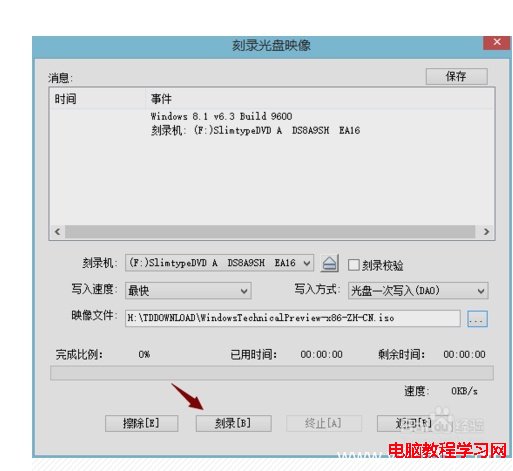
補充: 現代電腦多無光碟機,建議改用 Rufus/Ventoy 製作 USB 開機安裝碟,速度更快、攜帶更方便。
Win7 啟用網際網路連線共享 (ICS) 錯誤「Null」完整排解:防火牆服務才是關鍵
Win10 預覽版 10162 更新內容彙總:修復大量 Bug、提升續航、新增提示功能
Win8 如何刪除 thumbs.db 縮圖快取檔案?群組原則禁用生成 + CMD 批次刪除既有檔案
Windows 7 無法安裝印表機驅動?啟用 Print Spooler 服務即可
Win7 視窗管理兩大神技:滑鼠懸停啟用視窗、拖曳不自動最大化
Win7 防火牆新增允許程式/連接埠:解決軟體網路封鎖、建立伺服器入站規則
Win10 Build 10049 登入桌面藍畫面卡住?微軟官方暫時解決方案:Win+L 鎖定重登或 Ctrl+Shift+Esc 開啟工作管理員