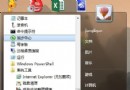
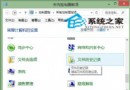
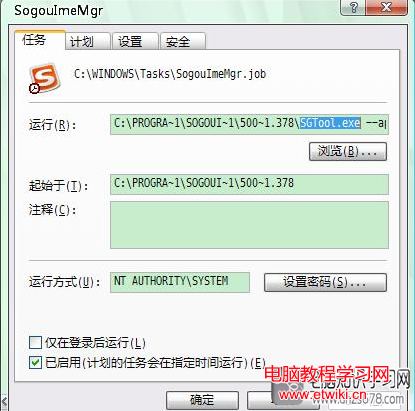
結果:資料夾固定在工作列,開始畫面不再顯示。原理:工作列允許釘選已在開始畫面的項目,利用此中轉繞過直接拖曳無效的限制。
Windows 10 價格策略未定:首年免費升級,之後收費模式仍為謎
Win8 C槽空間告急?系統自帶清理 + 魔方磁碟分析 + 大檔遷移三步瘦身法
還沒收到 Win10 升級通知?別急,微軟官方:分批推送需幾週,強制升級易出錯
Win10 Build 10158 詳細變化完整版:Edge 新功能、UX 優化、Cortana 整合 Office 365、照片應用 GIF、截圖工具延遲
Windows 8 開機卡在「無法完成更新 正在復原變更」?強制關機 → F8 → 進階選項 → 系統還原 → 關閉自動更新
Windows 8 玩 LOL 閃退彈出「TCLS 遇到未知錯誤」?四階段排除法快速修復