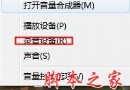
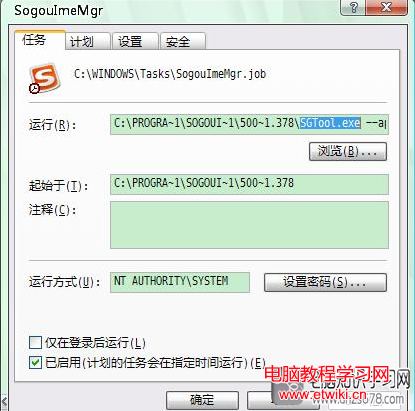
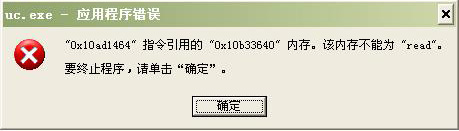
sgtool.exe 是搜狗拼音輸入法的加速啟動程序,隨輸入法安裝自動加入開機啟動。若出現「sgtool.exe 應用程式錯誤」,常見原因及對策如下:
常見故障原因與解決方案
- 電腦中毒:使用 360、金山毒霸等全盤掃描清除病毒。
- 系統檔案遺失/損壞:錯誤提示缺少特定檔案時,重新安裝對應組件或執行
sfc /scannow 修復系統檔案。
- 軟體外掛組件遺失:若為某軟體(如 QQ 遊戲)外掛遺失,重裝該軟體即可。
- 軟體衝突:嘗試逐一關閉啟動項定位衝突程式,或用 360 安全衛士優化停用無用開機項目。
- 驅動程式故障:使用驅動精靈等工具更新顯示卡、聲卡、晶片組等驅動。
- 系統本身缺陷:盜版/精簡版系統可能存漏洞,建議改用正版原版映像安裝。
若不需搜狗輸入法開機加速,亦可在工作管理員「啟動」標籤中停用 sgtool.exe,減少錯誤機率。