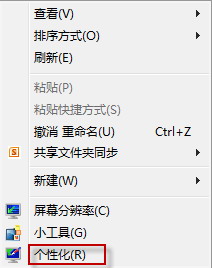
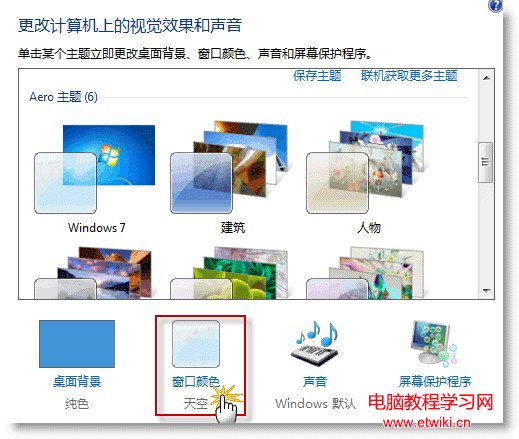
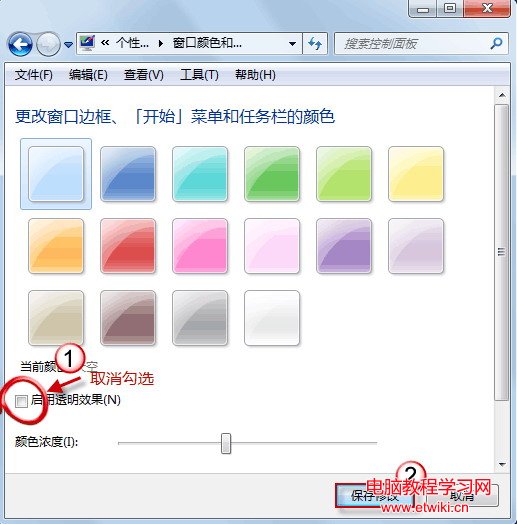
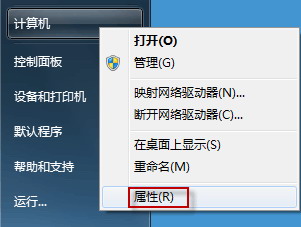
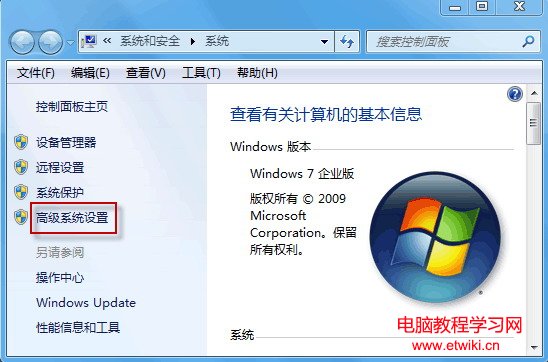
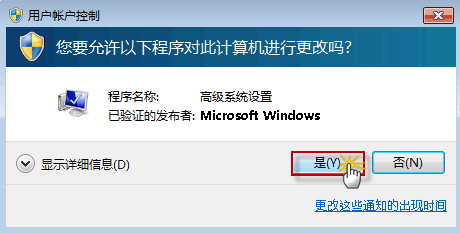
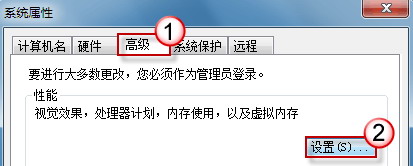
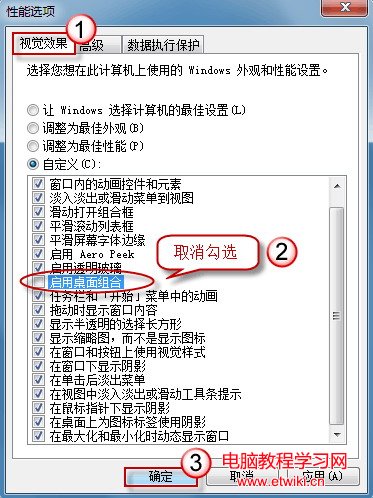
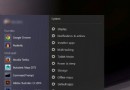
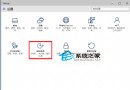
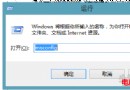
工作列靠左/右並設自動隱藏時,滑鼠移過去只顯示縮圖不彈出工作列。主因是圖示過多超過一列、Aero 透明效果或桌面合成功能干擾。
建議優先嘗試方法 1,若必須保留大量圖示則關閉 Aero/桌面合成。
Win10 更新機制大改版:一般用戶如何更新?P2P 分發、即時推送、Windows即服務全解析
升級 Win10 後藍屏死機?完整診斷與修復指南
Win7 開機顯示「正在設定 Windows Update 請勿關機」兩種關閉方法
Win10 離線地圖下載教學:平板/筆電 3G/4G 省流量必備
Windows 開機出現 Supervisory.exe 應用程式錯誤?卸載重裝 WinRAR 或刪除該檔案即可解決
Win10 技術預覽版隱藏高階圖示支援 4K 螢幕:最高 768×768 解析度
實體 USB 版 Windows 10 首度曝光:家用版約 900 元、專業版約 1500 元
Win7 旗艦版訪問磁碟提示「您沒有權限」?命令提示字元啟用 Administrator 解決